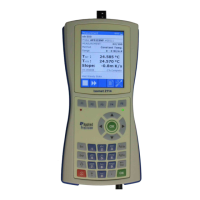
Press F1, press F2 to Dial Test.
Press PgDn.
Choose Quadrant – choose of Lag(QI+QIII),
Lead(QII+QIV), QI+QII, QIII+QIV, QI, QII, QIII,
QIV
Press Start.
Note:
set Energy type: (Active, Reactive, Apparent)
Menu >> F2 Test Settings >> Test Settings 2/3
set Energy measurement: (4Quadr., Algo1,..)
Menu >> F1 Meas. Settings >> Meas. Settings
3/6
set All energies (ON, OFF)
Menu >> F2 Test Settings >> Test Settings 2/3
All energies set ON (not available with
ENERGY MEASUREMENT 4Quadr. method)


 To Next Page