16
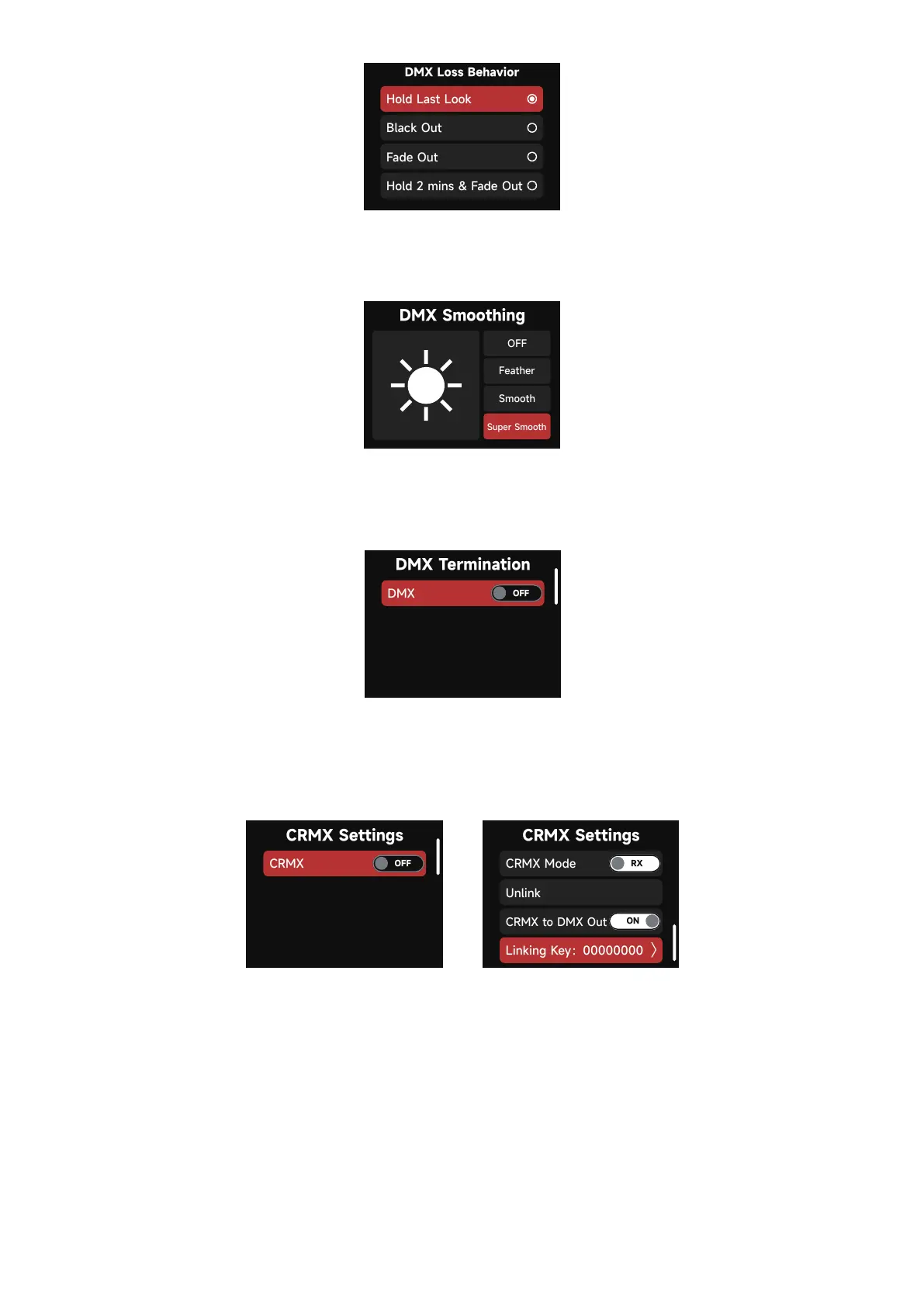
(5) DMX Smoothing:Set the smoothness of DMX dimming.
(6) DMX Termination: Turn ON (to help with DMX signal reflection) or OFF.
2. 3. 2 CRMX Settings
(1) When CRMX is ON/Enabled, the fixture will listen for it's previously linked Transmitter. If
the fixture is currently unlinked, it will listen for a Transmitter link signal and link to any new
CRMX link signal. Users can Unlink from previously linked Transmitters by selecting Unlink.
Once a CRMX Link is established and DMX data is present, the display will change to the
DMX Status Screen.
Turn CRMX ON or OFF.













 To Next Page