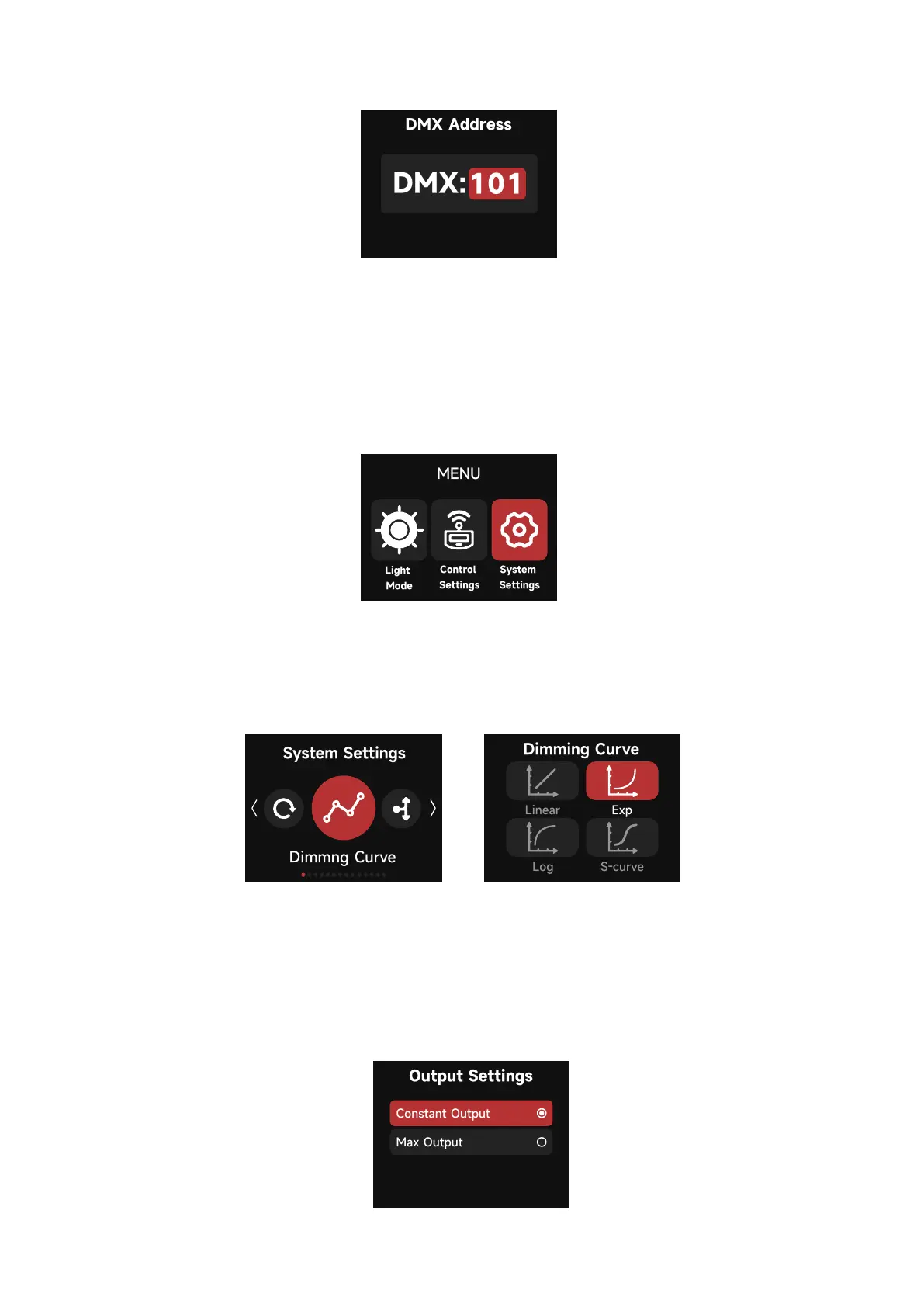
2. 4. 1 Dimming Curve
24
2.3.4.5 DMX Address: Set the DMX Address
System Settings include: Dimming Curve, Output Settings, White Light Standard, Lead/Fol-
low Mode, High-Speed Mode, Fan Mode, Studio Mode, Screensaver Settings, Language,
Product Info, Firmware Update, and Factory Reset options.
The following Dimming Curves are available: Linear, Logarithmic, S-Curve and Exponential.
2.4 System Settings
1) Constant Output: The lamp's brightness is kept consistent throughout the color temperature range.
2) Max Output: The lamp's brightness is prioritized throughout the color temperature range.
2.4.2 Output Settings



 To Next Page