30
3. Control with a DMX Console
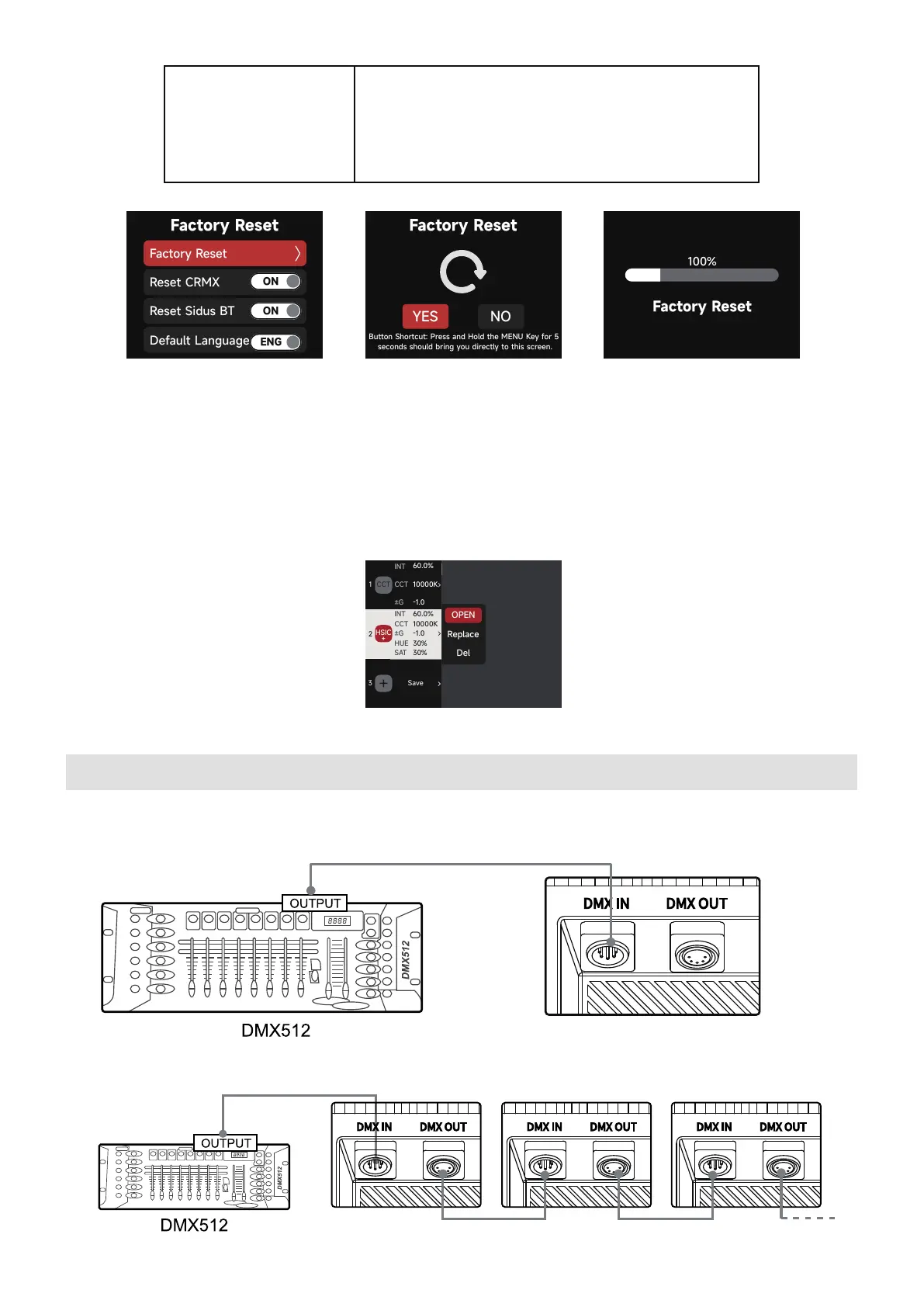
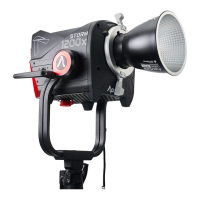
Connect the Lighting Console to the STORM 1200x Control Box DMX IN Port:
10 Light Mode Presets can be saved. Choose your settings within the CCT, xy or FX Mode.
Then press the PRESET button to open the Preset interface. Select the Preset number to
open, replace or delete the Preset.
2.5 Presets
Button Shortcut: Press and Hold the MENU Key for 5
seconds should bring you directly to this screen.
Ethernet
sACN
IP Address: 192.168.2.16
Gateway: 192.168.2.1
Universe: 001



 To Next Page