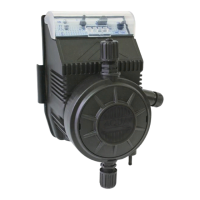
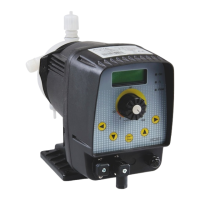
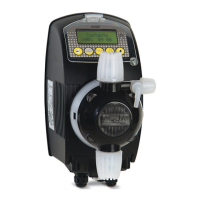
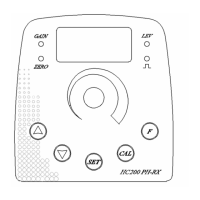
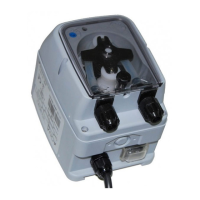
HC151+
MULTI / HC200+
MULTI
ENGLISH
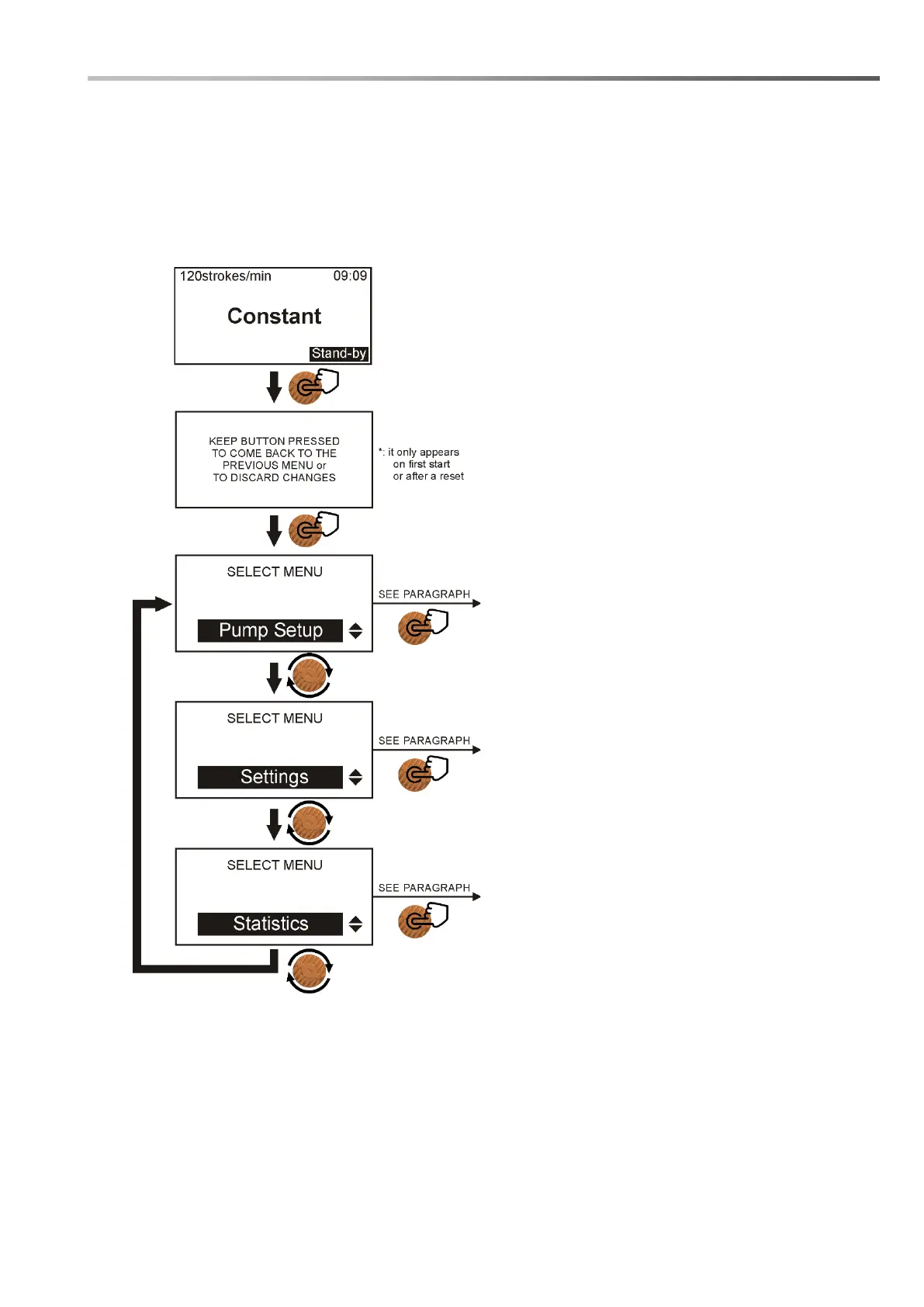
3.2 HOW TO NAVIGATE THROUGH THE MENUS
The pump has been designed so the programming phases are user friendly, for this purpose the control
area has a large backlit graphic display and a rotary encoder with an integrated button function.
A navigation diagram of the menus on the pump is shown below:
From the Homescreen:
This is the menu where all the main
configurations for a correct pump
operation are performed.
This is the menu in which basic
operations are performed, such as
choosing the language or setting the
system time.
This is the menu where information on
pump operation, such as stroke count or
metered volume can be viewed.



 To Next Page