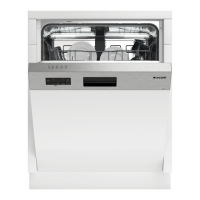
36 Dishwasher / User’s Manual/48 EN
5
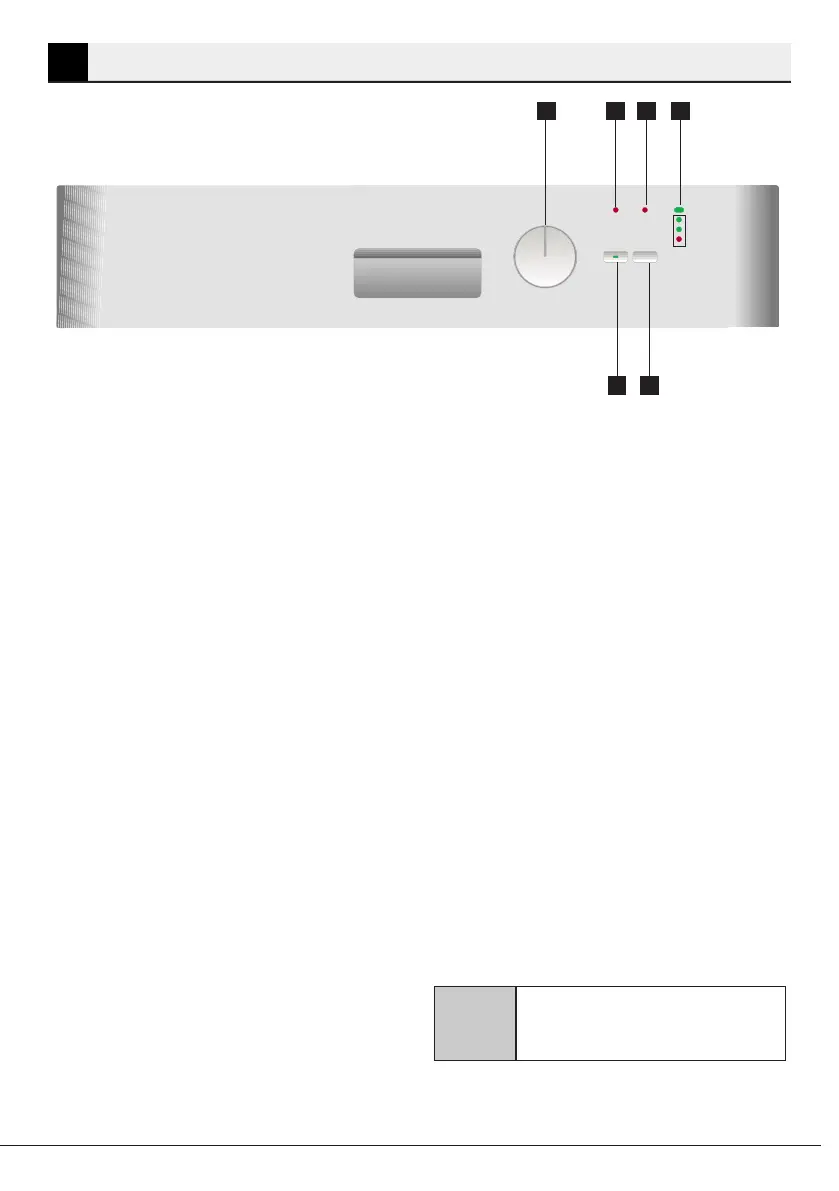
1. Programme Starting Point
2. Rinse Aid indicator
3. Salt indicator
4. On/Off Indicator Light & Progress
Indicator Lights
5. Start / Stop key
6.
Machine will be switched on when you
move the Programme Selection key to
position “1”. “ON” light will illuminate.
Machine will be switched off when you
move it to ”OFF” position. All lights will
turn off.
Used to switch on/off the machine and
select the washing programmes.
Select Half Load when using any wash
programme [Except Prewash] to save
1 2
3 4
6
5
Half Load Function
on water, electricity and time if the
machine is only half full. You can place
dishes anywhere in the machine; some
upper and some lower basket.
It is used to start, pause or cancel the
selected programme.
When you press the Start / Stop key,
the washing programme you have
selected will start.
A
To press the Start / Stop key,
wait for two seconds after
you turn on the machine.


 To Next Page