- 6 -
Changing parameters for the surveillance system and presentation in the display
To make use of the extra sensor for the surveillance system, it’s necessary to change the controllers setting in
the menu ”Visual and acoustic settings”. The change is carry out in menu item [ A5 ]. See more on page 14.
To choose the presentation from the extra sensor in the display, the controller has to be change in the ”User
menu” in menu item [ dPS ]. In this menu choose sensor input [ E ]. See more on page 13.
Calibration of sensors:
The two sensors can each be calibrated. The reason for calibrating them or to make a offset depends on the
job. To calibrate a sensor exist two methods.
The first method is to use a reliable and calibrated thermometer, while the other method is to use no
instruments at all.
To calibrate the sensors it’s necessary to alternate between two menus.
In the first menu the temperature is given (”Value indication and sensor input”
and , se more on page 17).
In the second menu the actual adjustment is made. (”Visual and acoustic settings”
and , see more on
page 14).
With a calibrated thermometer:
The instrument sensor has to be taped together with the sensor for adjusting with metal tape.
Wait for the temperature gets stabile in the instrument and in the cabinet display. Read
the difference and then change the offset.
Without instruments:
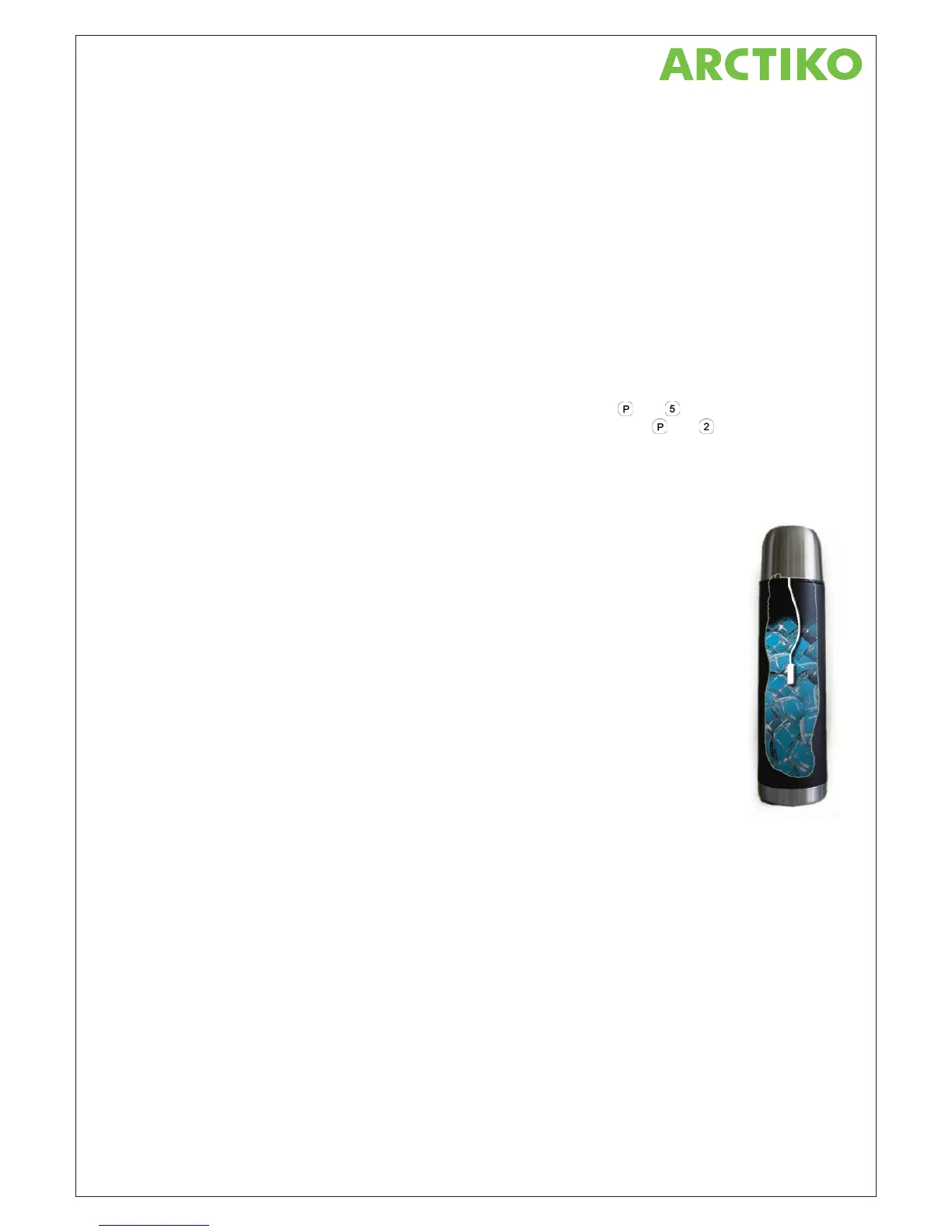
Pour about 200 ml. cold water into a thermo bottle. Here after pour some ice cubes into
the water until the filled up to. ¾. Shake the mix well and wait in few minutes. Shake it
again and wait few more minutes.
Place now the thermo bottle on the upper shelve and place the cabinet sensor into the
icy mix.
Let now the cold water cool down the sensor. Once in a while shake the bottle well
again to obtain a homogeneous temperature in the icy water.
After few minutes the temperature should present 0 °C in the display.
If one or both methods deviate from the measured, the sensors have to be adjusted in menu
item P6 and P7.
If the display shows warmer temperatures than exists or is measured, the offset has to be
made in a negative direction. Make this adjustment in P6 or P7. Use the “-“ key for adjustment
and it results in a minus symbol in front of the offset value.
If the display shows colder temperatures than exists or is measured, the offset has to be made in a positive
direction. Make this adjustment in P6 or P7 with the “+” key.



 To Next Page