EasyManua.ls Logo

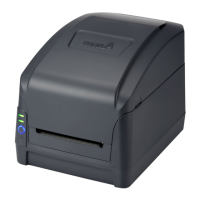
Argox CP-2240 - Printer Lights; Status Lights

Argox CP-2240
68 pages
Print Icon
To Next Page IconTo Next Page
To Previous Page IconTo Previous Page
Loading...
1 Introduction Printer lights
8
1.4 Printer lights
There are two LED lights that show the status of your printer.
1.4.1 Status lights
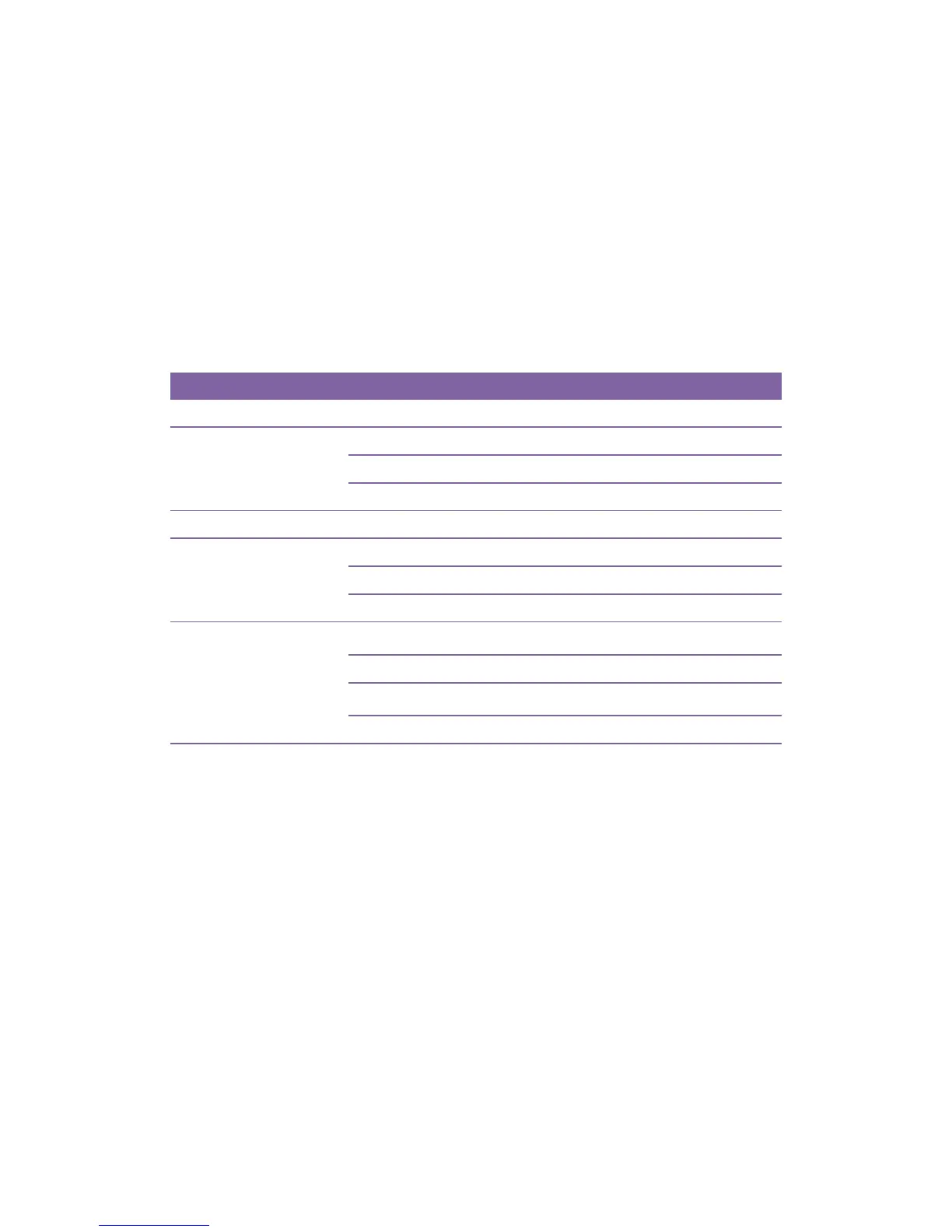
Status lights help you check printers condition. The following tables show
the status lights and the conditions they indicate.
LED 1
LED 2
Description
ON
ON
In the ready mode
Flash at same time
Media sensor cannot index label gaps
Media out
Paper jam
Flash at different time
Ribbon out
ON
Flash
Serial IO error
Cutter has failed, or there is paper jam inside the cutter.
Other possible hardware errors.
Flash
ON
Print head needs to cool down.
Printer head module unlatched
Printer is in PAUSE status
Printer is receiving data

Related product manuals