2 Get started Turn on/off the printer
10
2.2 Turn on/off your printer
When your printer is connected to a host (a computer), it is good to turn on
the printer before turning on the host, and turn off the host before turning
off the printer.
2.2.1 Turn on your printer
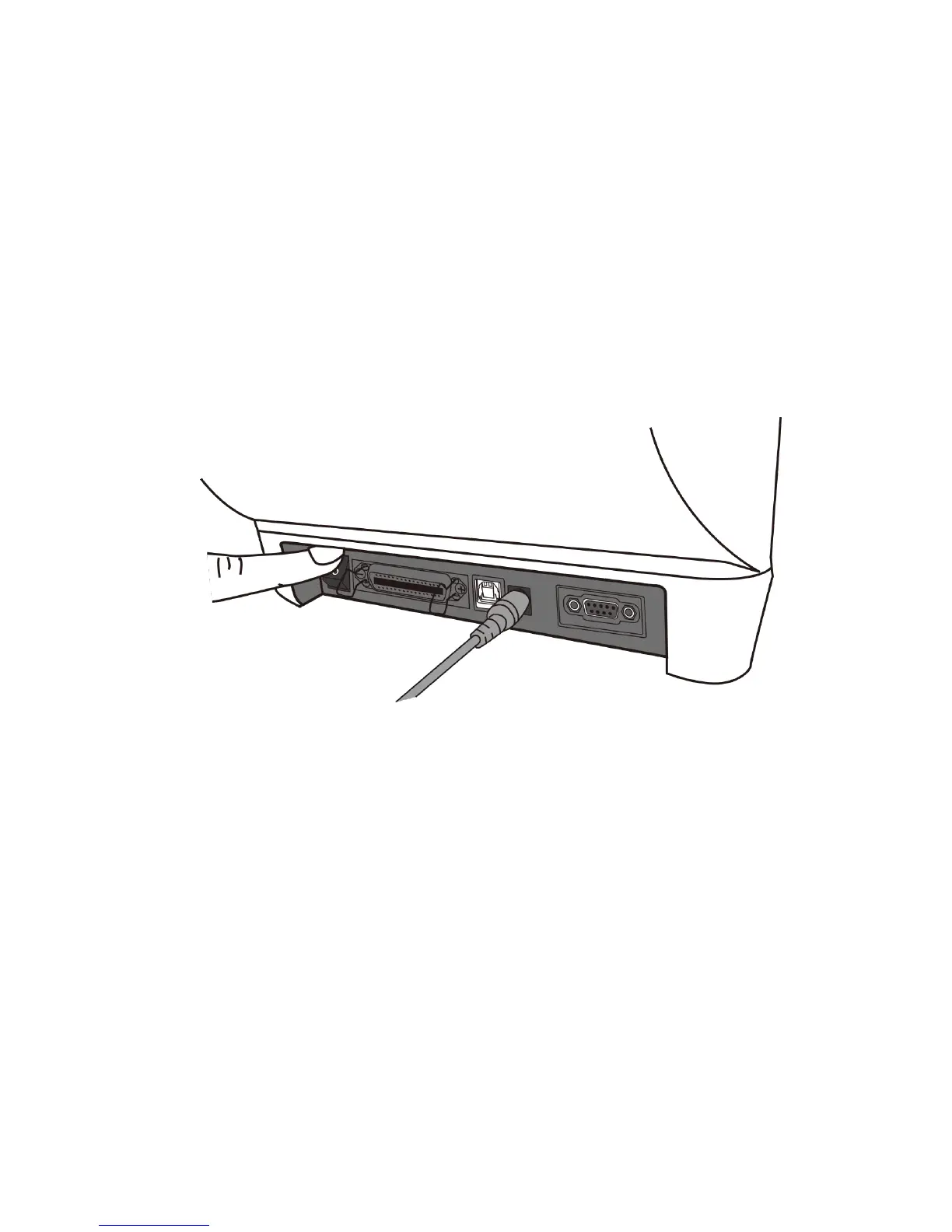
1. To turn on your printer, turn on the Power Switch as below. The “I” is the
ON position.
2. LED1 glow solid green, after few secound LED 2 turns to solid green.


 To Next Page