3 Printer operation Driver installation
34
3.5.2 Installing a Printer Driver (for other
interfaces except USB)
1. Turn off the printer. Plug the power cable into the power socket on the wall, and
then connect the other end of the cable to printer's power socket. Connect the
Parallel cable, Serial cable, or Ethernet cable to the proper port on the printer and
on your computer.
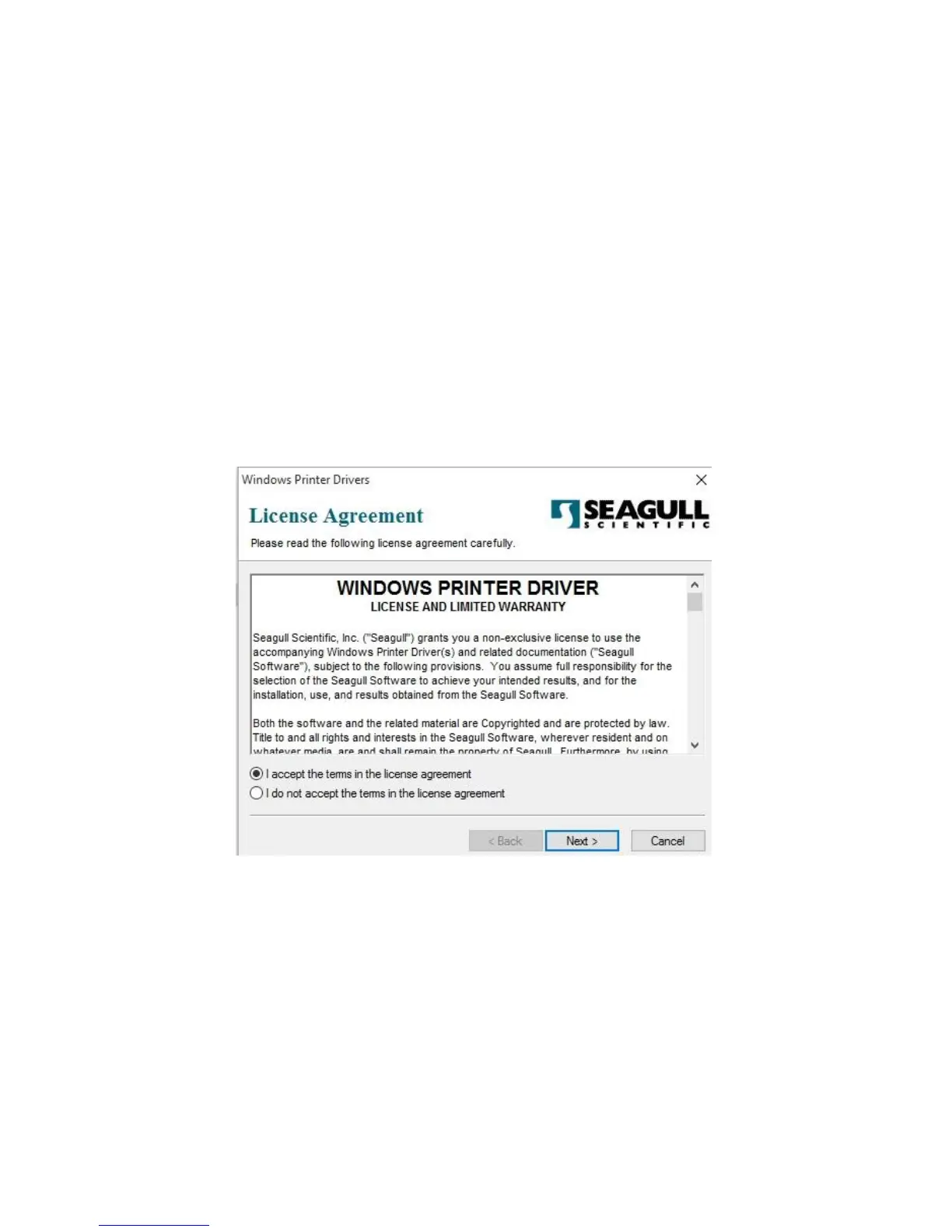
2. Run the driver from Argox website. On the prompt, Windows Printer Driver, select
“I accept…”and click "Next".



 To Next Page