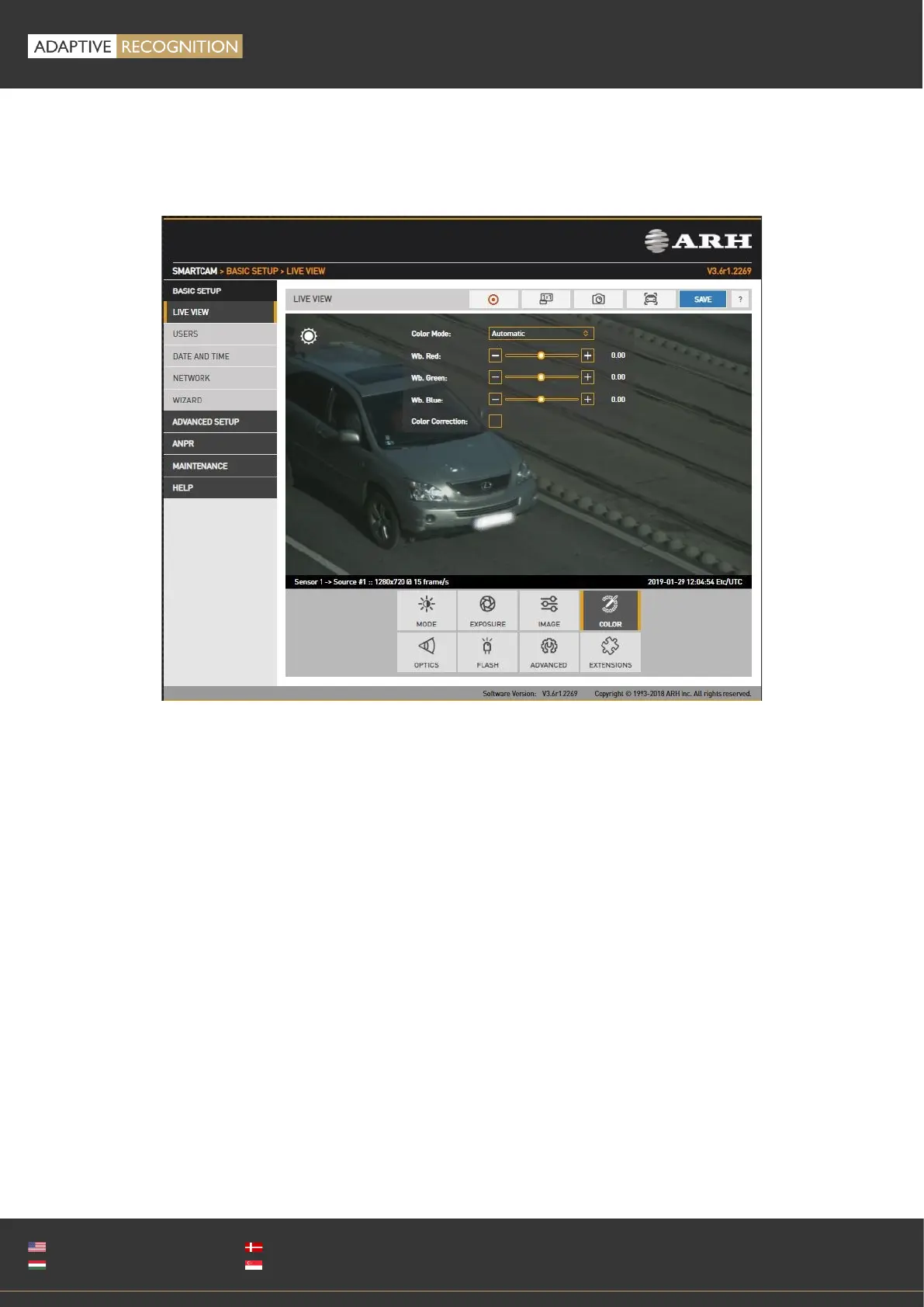
12.1.2. COLOR
WEB INTERFACE > BASIC SETUP > LIVE VIEW > COLOR
Color settings are configured here:
• Color Mode: Automatic/Color/Gray mode
o Color: Color mode
o Black&White, IR-day,Blur: Gray mode, ideal for daytime IR mode.
o Black&White, IR-night,No Blur: Gray mode, ideal for night time IR mode, when the only light
source is the built-in narrowband IR LEDs. The spatial resolution will double in both x and
y directions, because each individual (color) pixel is used as luminance channel. When used
with a broadband illumination (such as daylight), or a wavelength different than with which
the device is calibrated, a checkerboard pattern will emerge.
• Wb. Red: Red channel gain
• Wb. Green: Green channel gain
• Wb. Blue: Blue channel gain
Color Correction: Automatic compensation for the color of the illumination.



 To Next Page