FREEWAYCAM3/SMARTCAM3/SPEEDCAM3
User Manual
Adaptive Recognition America
Adaptive Recognition Hungary
Adaptive Recognition Nordic
Adaptive Recognition Singapore
WWW.ADAPTIVERECOGNITION.COM
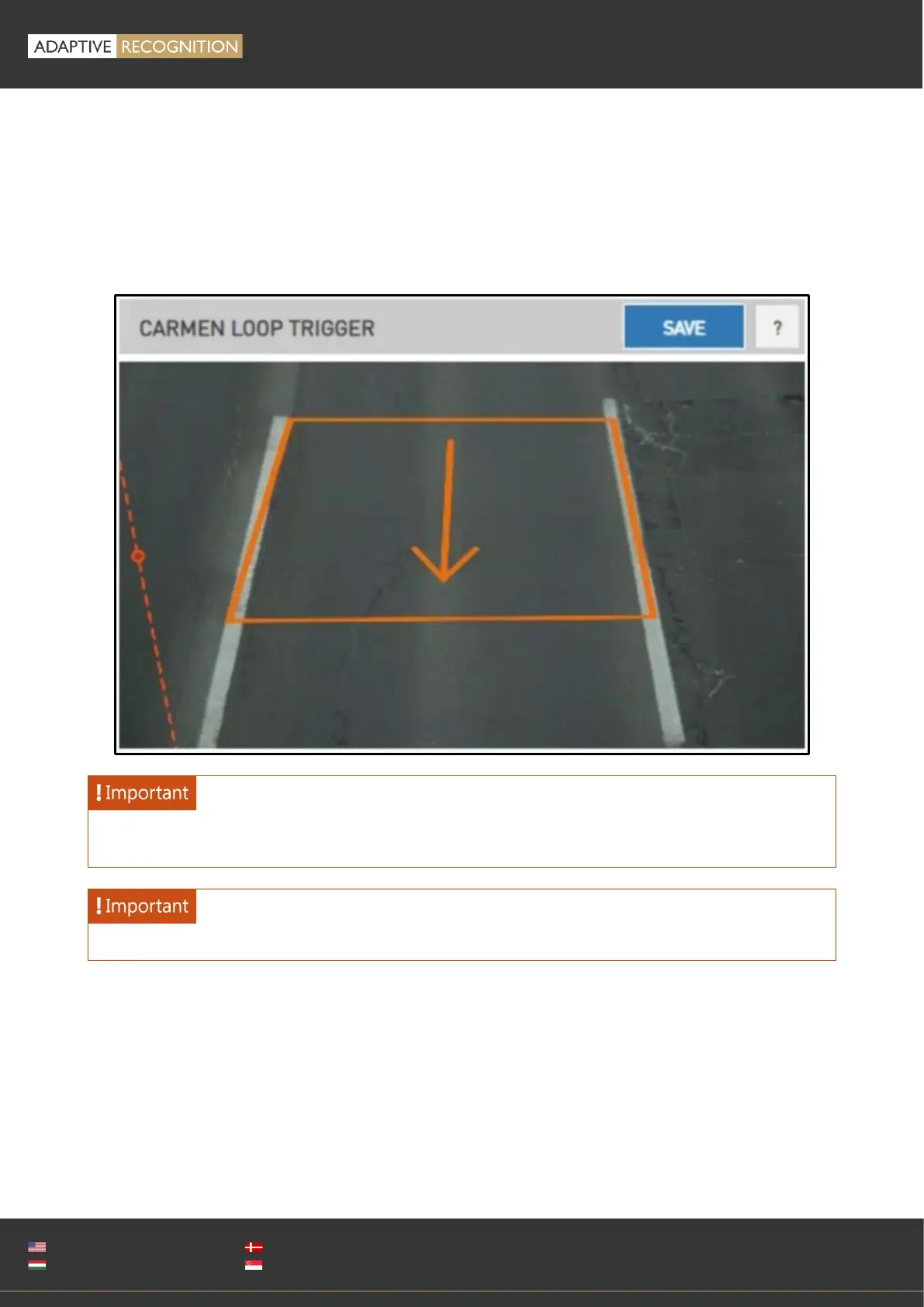
To define the ROI, an imaginary loop must be drawn in the image. This is a rectangle in the plane of
the road surface. Cars passing through this loop will trigger Carmen GO. To draw the rectangle, click
the left mouse button to place the first ROI point. Continue by adding 3 more points to complete the
rectangle. If the arrow does not point in the direction of cars passing through, it needs to be flipped
over by clicking the rectangle. Optionally you can repeat the procedure to place a second ROI for a
second lane.
Right click the rectangle to delete the loop and start again.
Configure the rectangle so that the license plate is always visible when the vehicle hits the center
of the rectangle, as the corresponding frame will be selected for ANPR.
Always set the lane separator, even if only one ROI is defined.



 To Next Page