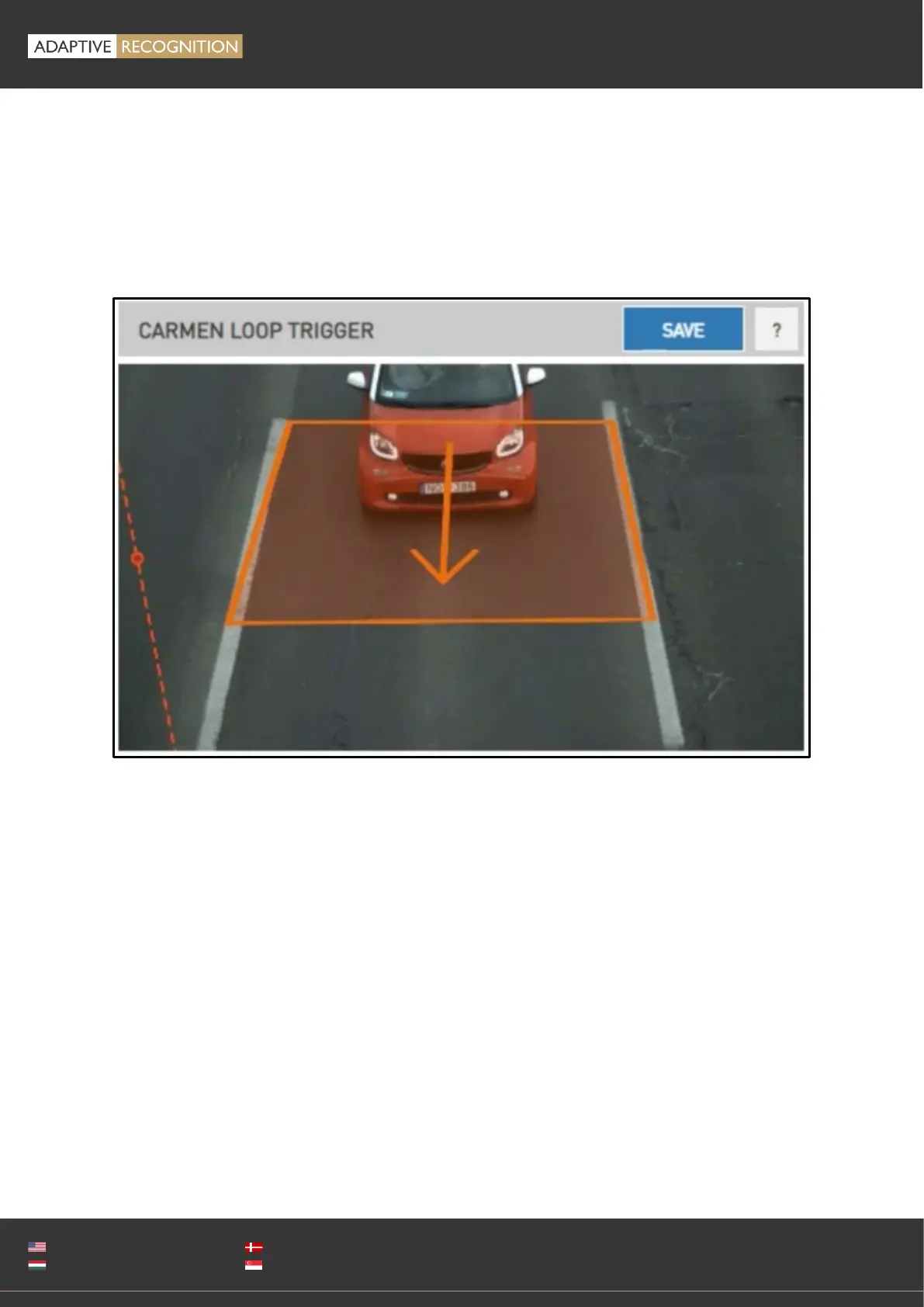
SET UP ANPR ROI
With the loop ROI(s) defined, we need to specify the ANPR ROI, separating the two lanes
corresponding to the two loops. Click the right mouse button to place the lane separator. Press and
hold the right mouse button, then press and hold the left mouse button to rotate the lane separator.
Then release the left mouse button if the lane separator correctly separates the two lines
corresponding to the two loops.
You can save the settings with the save button.



 To Next Page