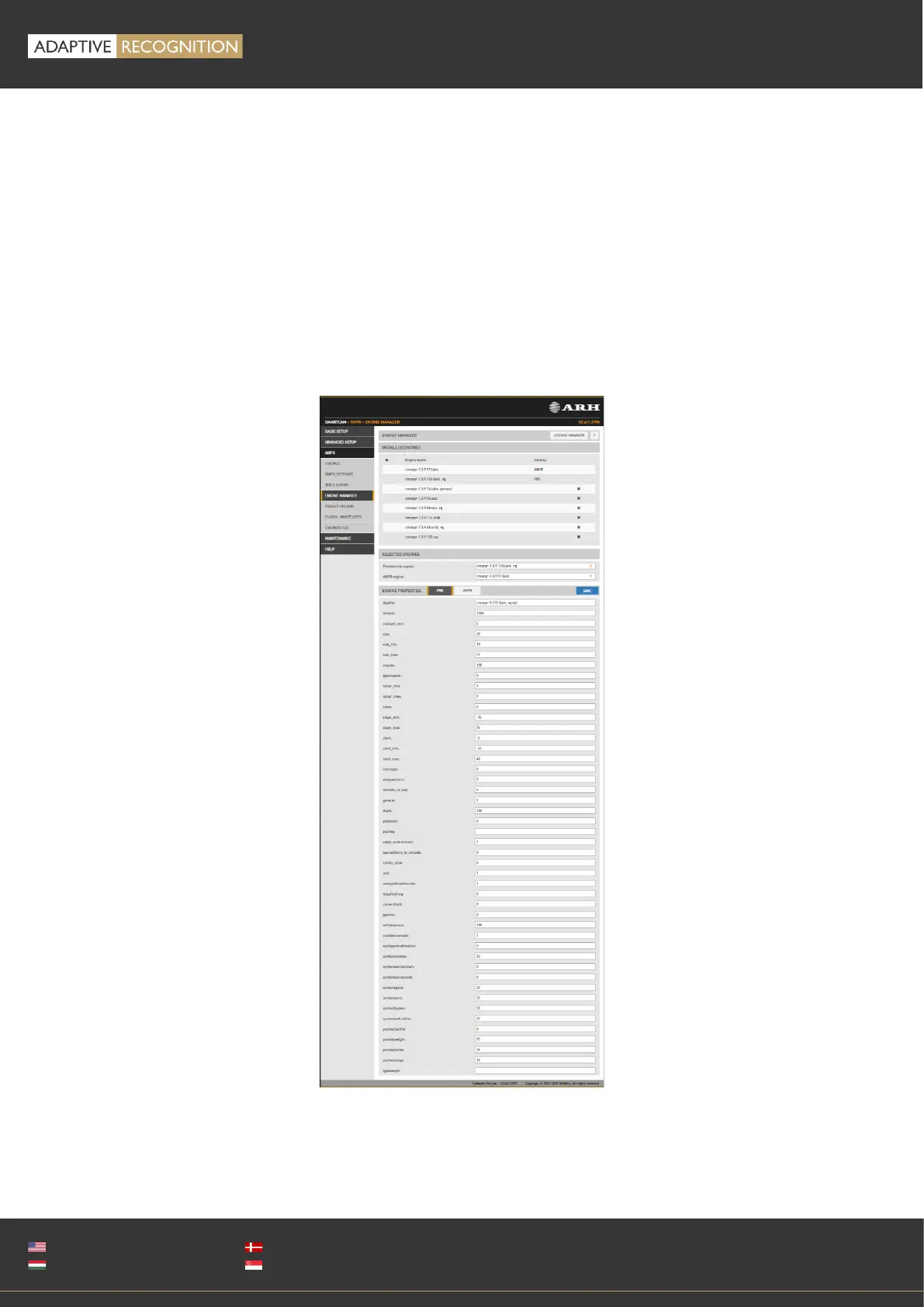
13.2.4. ENGINE MANAGER
This tool allows for installing, removing and configuring the Carmen ANPR engines used in the system.
The Install Engines tab lists the engines currently installed on the camera. Unused engines can be
removed with the “×” icon to the right. A new engine can be installed by clicking on the + icon.
Currently used engines are listed in the Selected Engines tab.
Engine properties are configured in the bottom tab. Please contact the Carmen ANPR Manual for
details.



 To Next Page