ARIESAUTOMOTIVE.COM • NEED ASSISTANCE? • 800.798.0813 • 2081300-INS-RA • PAGE 2
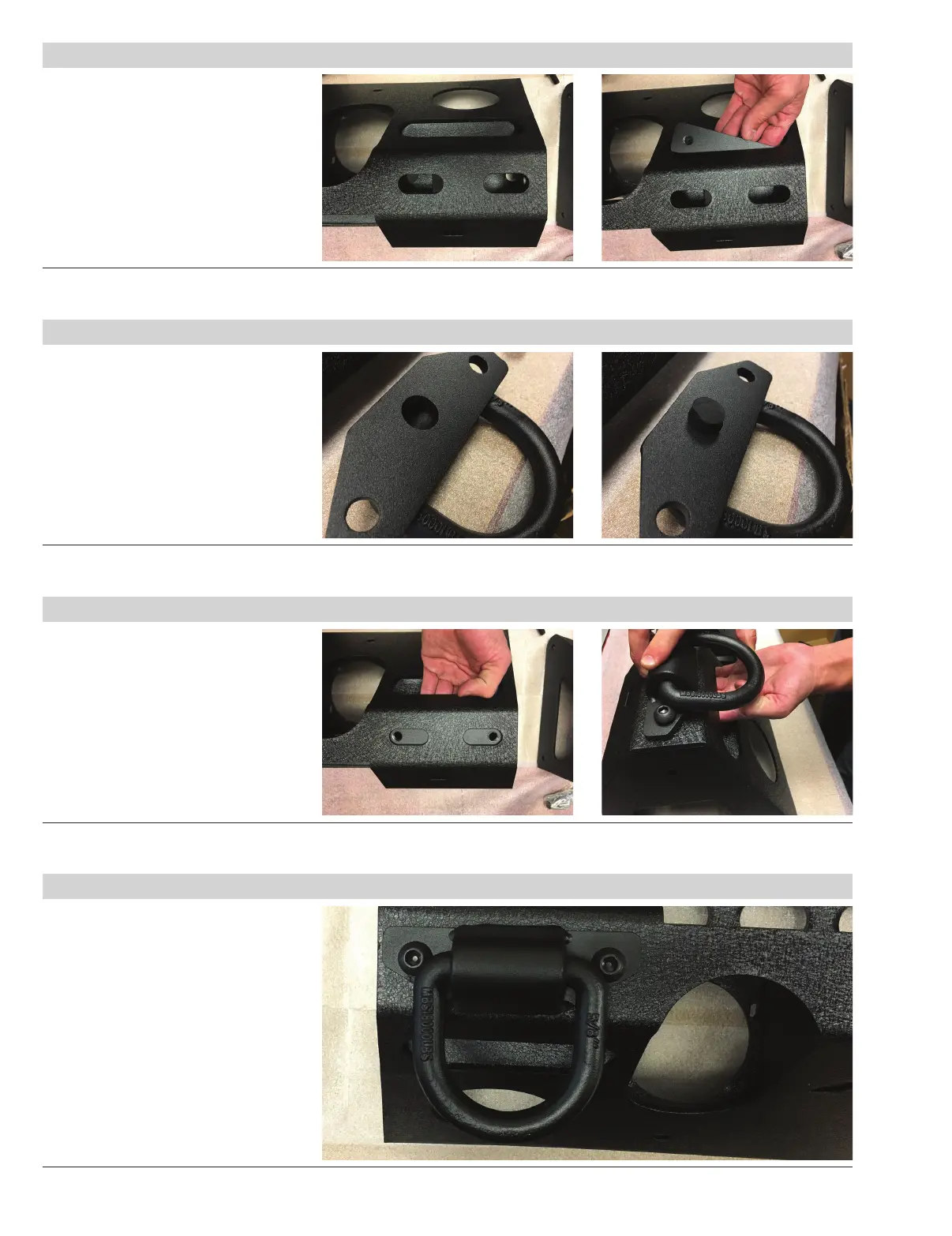
Step 1
Locate the two slots on the driver-side
front face of the modular bumper.
Insert one back plate in through
the large slot below the two slots.
Step 2
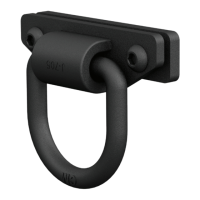
Flip the D-ring over and insert one
rubber rod into the hole on the back
of the D-ring.
Step 3
Align the back plate with the slots.
Place the D-ring over the mounting slots.
Secure using two M12 button head bolts.
Snug the hardware,
but do not fully tighten.
Repeat steps 1 through 3 to install
the passenger side D-ring.
Step 4
Adjust and level the D-ring.
Tighten hardware to the
recommended torque specifications
listed on the first page.
Congratulations on the installation
of your new ARIES D-rings.


 To Previous Page