32
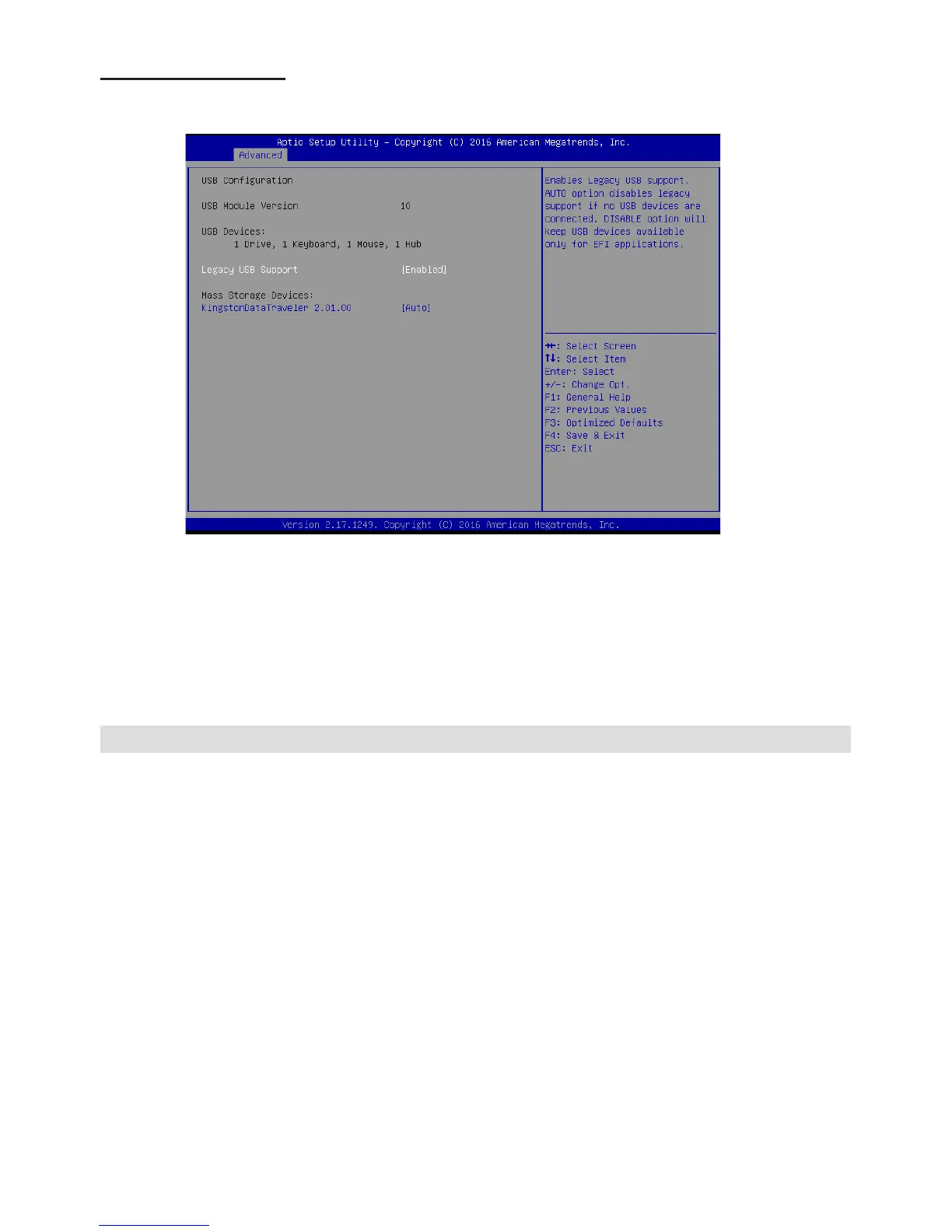
USB Conguration
Scroll to this item and press <Enter> to view the following screen:
Legacy USB Support (Enabled)
Use this option to enable USB mouse and USB keyboard support.
ENABLED option enables legacy USB support.
AUTO option disables legacy support if no USB devices are connected. DISABLED option will
keep USB devices available only for EFI applications.
Press <Esc> to return to the Advanced Menu screen.



 To Next Page