33
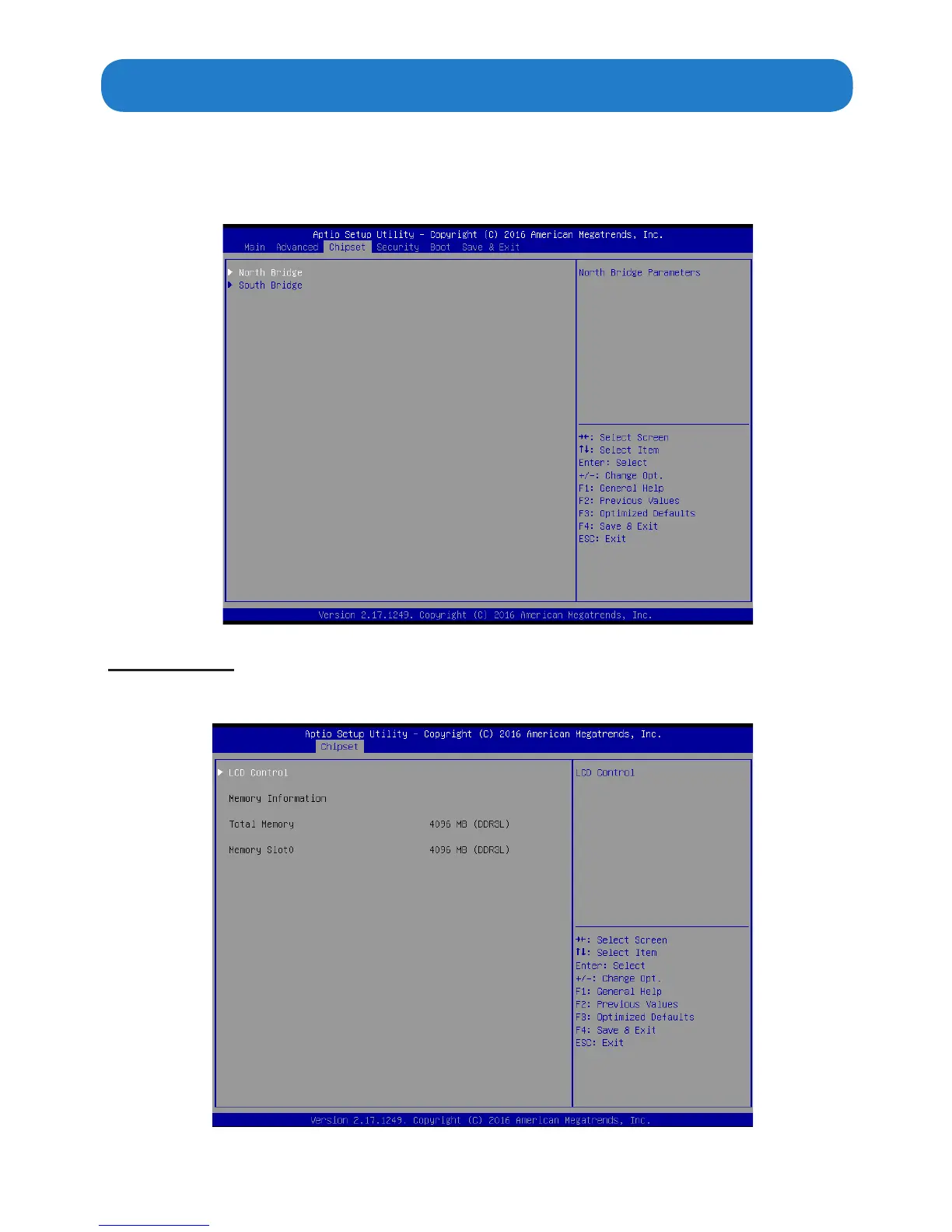
The chipset menu allows you to change the settings for the Host Bridge chipset, South
Bridge, chipset and other system.Since the features in this section are related to the chipset
on the CPU board and are completely optimized, you are not recommended to change the
default settings in this setup table unless you are well oriented with the chipset features.
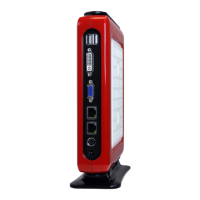
North Bridge
Scroll to this item and press <Enter> to view the following screen:
Chipset Menu


 To Next Page