37
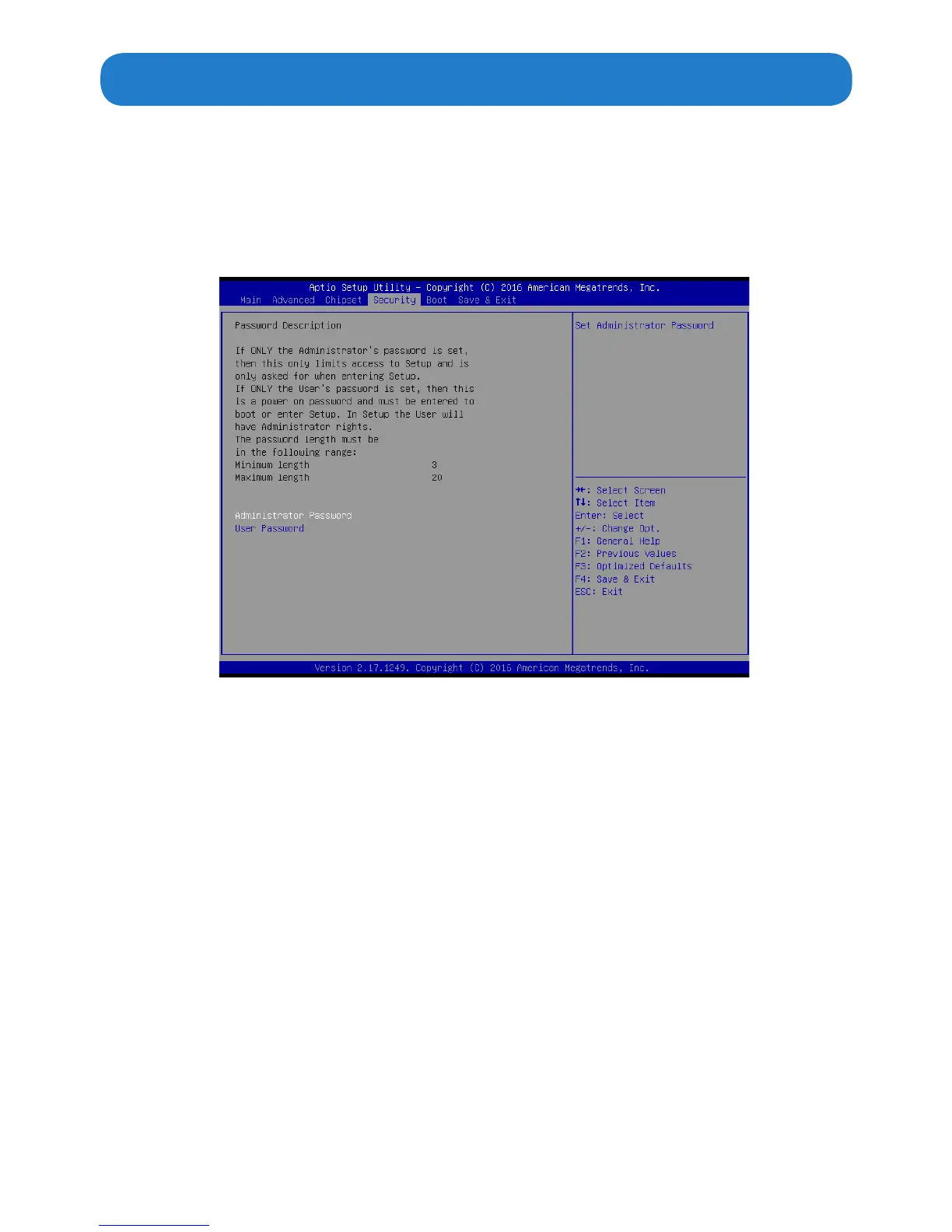
Security Menu
The Security Menu allows you to set Administrator and User password.
If ONLY the Administrator’s password is set, then this only limits access to setup and is
only asked for when entering Setup.
If ONLY the user’s password is set, then this is a power on password and must be entered
to boot or enter Setup. In Setup, user will have administrator rights.
The password length must be in the following range: Minimum length:3, Maximum:20.


 To Next Page