13
Mounting
screw
Display back panel
VESA
bracket
VESA mounting
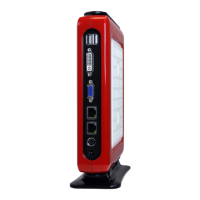
You can also mount the AP-3500-E01OceThinClient onto a display. For display mount,
VESA mounting brackets and screws are available (sold separately).
Please follow the steps shown in the diagram below:
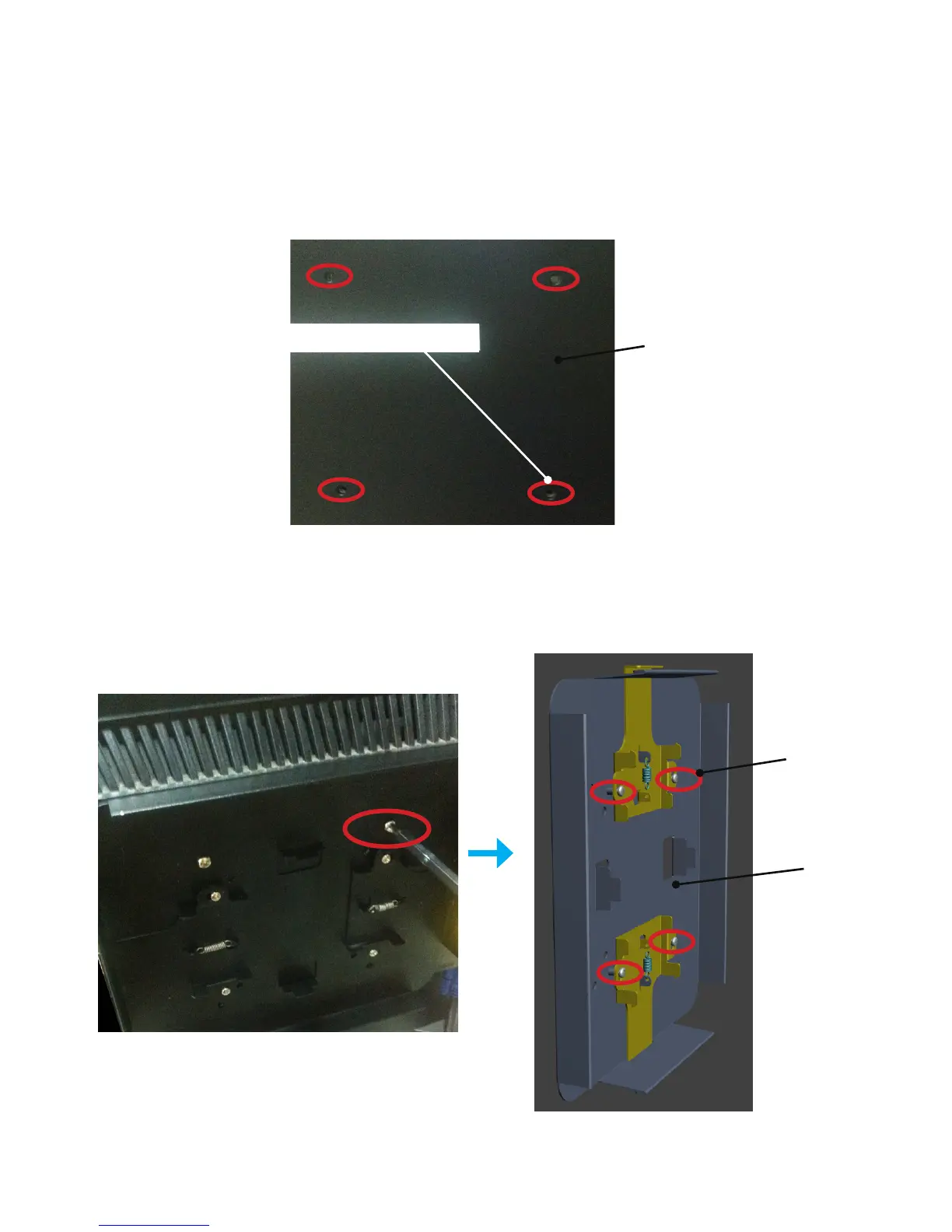
Step1.
Asshowninthegurebelow,ndthefourscrewholespredrilledatthebackofthe
display.
Screw holes
Step2.
Align the four mounting screw holes on the AP-3500-E01 VESA bracket with the
screw holes on the display. Tighten the four screws with a screw driver to x the VESA
bracket onto the display.


 To Next Page