12
2.7 Door function
2.7.1. Opening the door
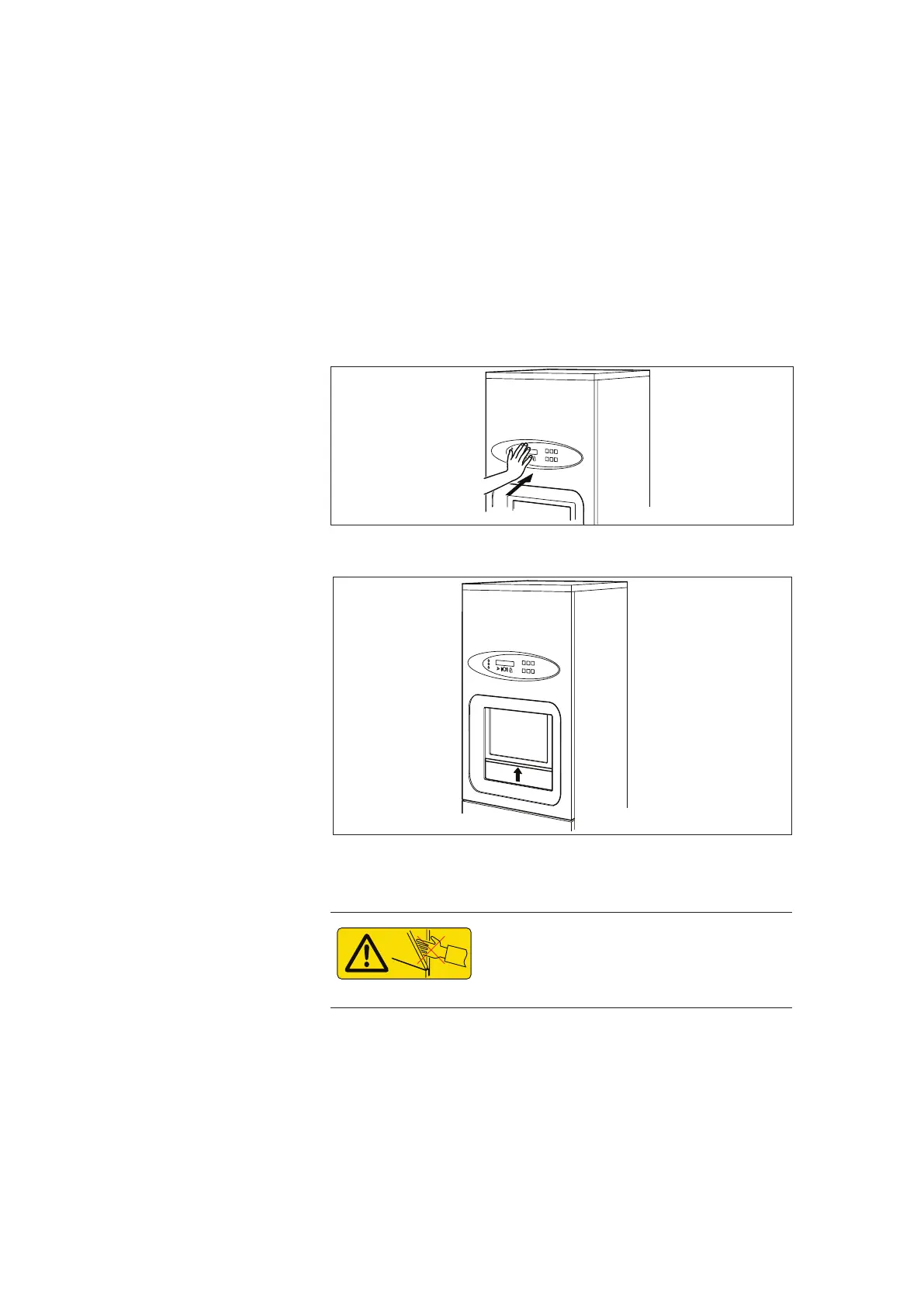
• Move your hand toward the sensor, stopping about 3-4 cm
from the panel.
• Keep your hand still for one 1 second.
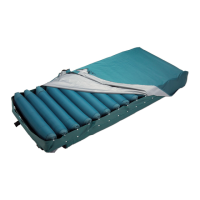
• The door opens automatically.
001504
Figure 3. Open door using sensor
001505
Figure 4. Door opens
2.7.2. Closing the door
Keep hands and arms away when an
automatic door has been activated in
order to avoid the risk of getting stuck.
• Activate the sensor.
• Alternatively, the door can be closed by choosing a program.
2.7.3. Aborting door closing
• Activate the sensor again when the door is coming down.
The closing sequence stops and the door goes up again.


 To Next Page