35
Armstrong International
Parc Industriel Des Hants-Sarts, 2ème Avenue No. 4, Haerstal, B-4040, Belgium
armstronginternational.com/brain
3
4
EMERGENCY STOP! - Click Abort* at any time to stop the cycle.
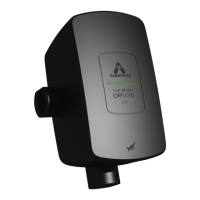
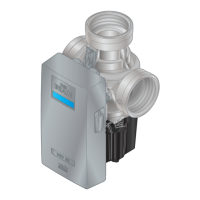
Click Cool Down. The display on the DRV80 changes to conrm the cool down mode. After cool down
has been initiated, the blend circuit takes time to return to normal temperature. Drain the hot water using
the last outlet of the blend circuit, or use a dump valve tted near to the end of the blend circuit. Check
with local water authorities with regard to water temperature limitations to drain. The time required to cool
the blend circuit must be considered when setting the Disinfection Timeout period.
At the end of the Disinfection Timeout period, the DRV80 will return to normal operating mode and the
alerts and errors will be re-enabled.
IMPORTANT! The DRV80 is locked in disinfection mode until one of the following actions has
been performed:
a. The Disinfection Timeout period has expired (automatic).
b. The Abort button is pressed (manual).
Temp 48˚C
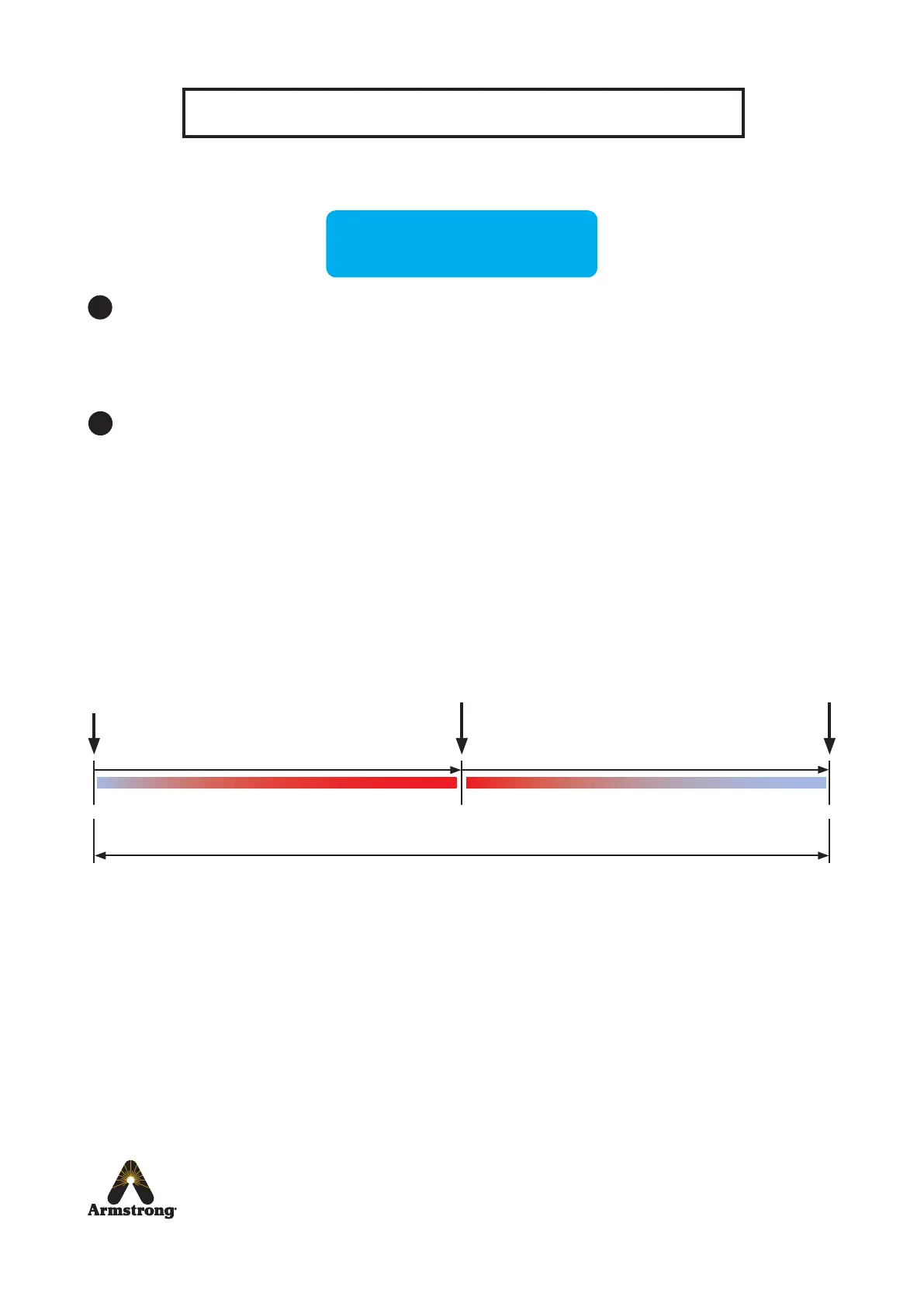
Disinfection Timeline
Trigger
(Disinfection Timeout start)
Disinfection setpoint
Disinfection Timeout Period
Draw-Off Blend Circuit
Cool Down
return to Setpoint
(Disinfection Timeout nish)
*Abort
If Abort is used when the cycle is disinfecting, the DRV80 switches to full cold and displays
Error Temp. Cycle the power off / on to reset the DRV80, make sure the blend circuit is at a safe
temperature before allowing any outlets to be used.


 To Next Page