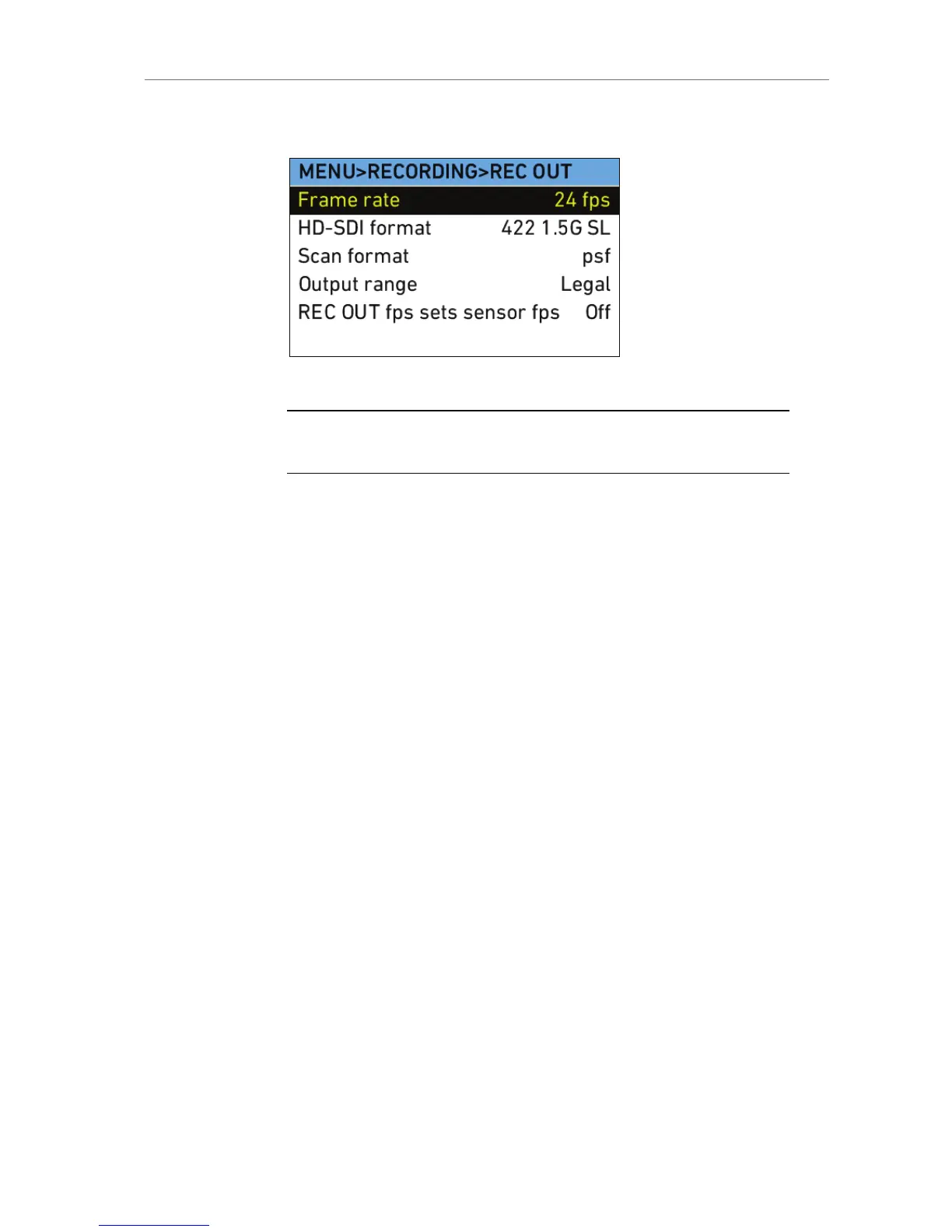
REC OUT
Select the REC OUT submenu to adjust parameters for recording to
external recorders over the HD-SDI REC OUT outputs.
Note: Only use double shielded HD-SDI cables for recording to ensure error free
data transmission!
Frame rate Select to set the frame rate of the REC OUT
outputs (independent of sensor frame rate).
HD-SDI format Select to set the format of the REC OUT
outputs (see below for details):
422 (1.5G DL, 3G SL, 3G DL)
444 (1.5G DL, 3G SL, 3G DL)
ARRIRAW (1.5G DL, 3G SL, 3G DL)
MON OUT clone
Note: ARRIRAW T-Link output is not
available on ALEXA HD, ALEXA HD Plus,
ALEXA XT cameras and ALEXA Classic
cameras with an XR Module upgrade.
Scan format Select to set the type of scan:
p: Progessive. Images are
transmitted line by line from left to
right, starting at the top-left pixel.
psf : Progressive segmented frame.
Images are first split into fields,
which are then transmitted line by
line from left to right.
Note: Frame rates over 30 fps are only
available in progressive scan. This complies
with SMPTE standards.










 To Next Page