15.3 Studio Camera Controls
A few additional controls are available on the ALEXA Studio. These are
used to control the mirror shutter and the ND filter.
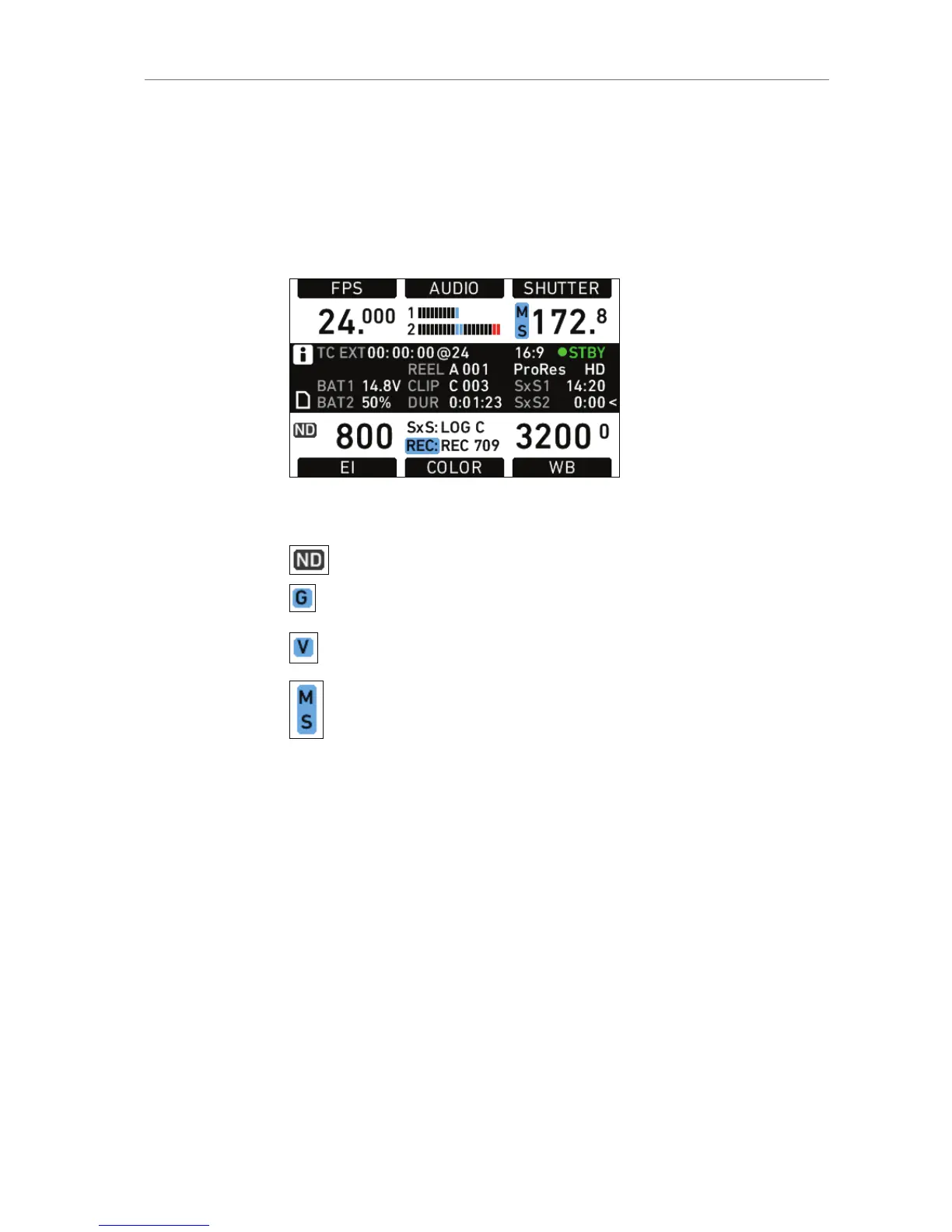
The HOME screen has icons for the active ND filter and the mirror
shutter position and state.
Icon Meaning
ND filter is active
Mirror is on and parked in gate position
(Grey icon if mirror shutter is switched off)
Mirror is on and parked in view position
(Grey icon if mirror shutter is switched off)
Mirror shutter is running
ND filter activation
On the HOME screen, press EI.










 To Next Page