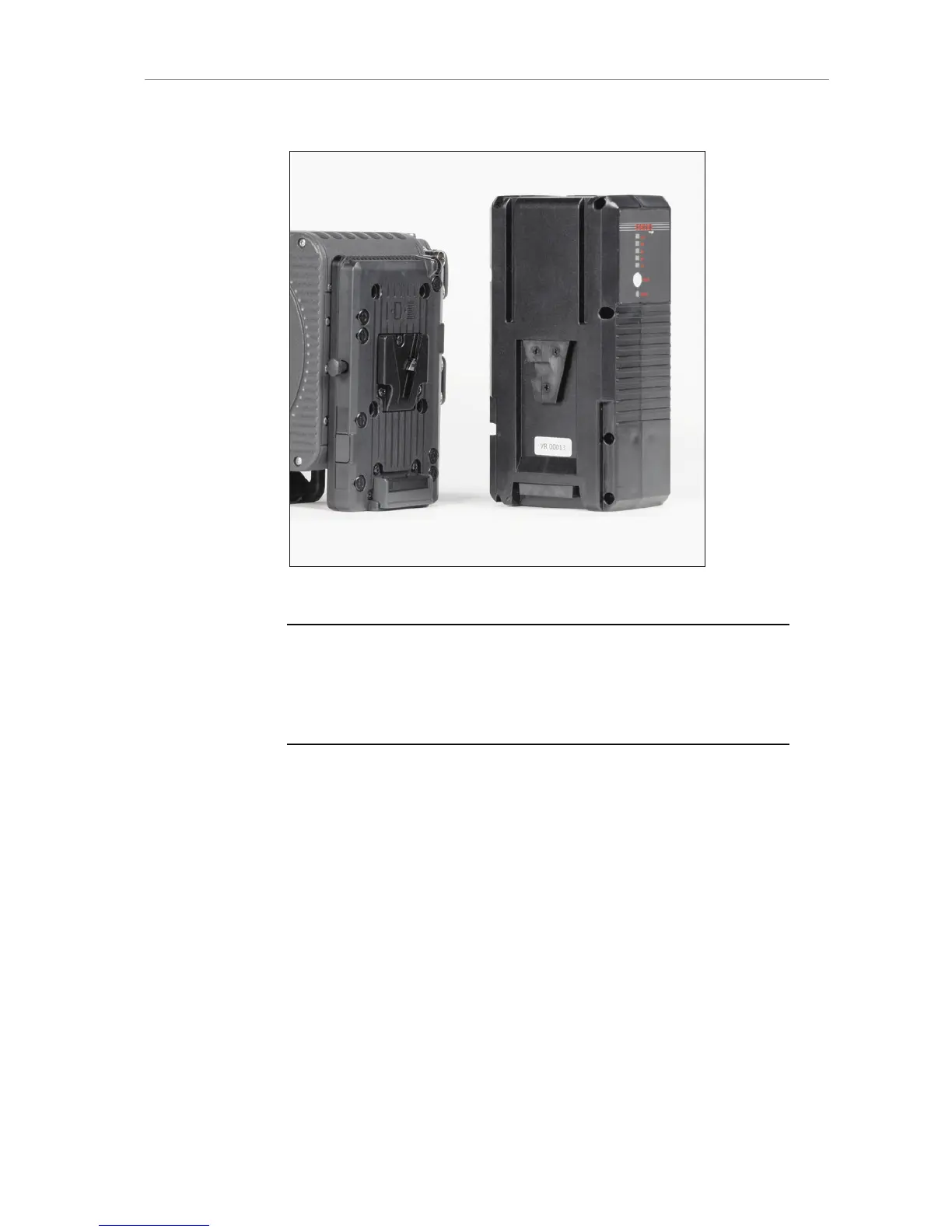
2. While pressing the release button, slide the battery upwards.
Figure 14: ALEXA with BAB-V and V-Mount battery
Note: Not all V-Lock batteries deliver enough power to supply the camera. Use
only batteries with a capacity of 90 Wh or more to prevent damage to the
battery and unpredictable camera behavior. Any camera-battery combination
should be tested prior to use, especially when accessories are powered through
the camera.
7.5.2 Gold Mount Batteries
If the ALEXA is equipped with a Gold Mount, Anton/Bauer batteries can
be used. Their remaining capacity will be displayed as a percentage on
the Home screen.
To attach a Gold Mount battery:
1. Align the three pins on the back of the battery to the three
corresponding holes on the battery plate.
2. Press the battery to camera-right until you hear a click.
3. Check that the battery is securely mounted on the battery plate.
To release a Gold Mount battery:
1. Press the release button on the camera-left side of the battery plate.










 To Next Page