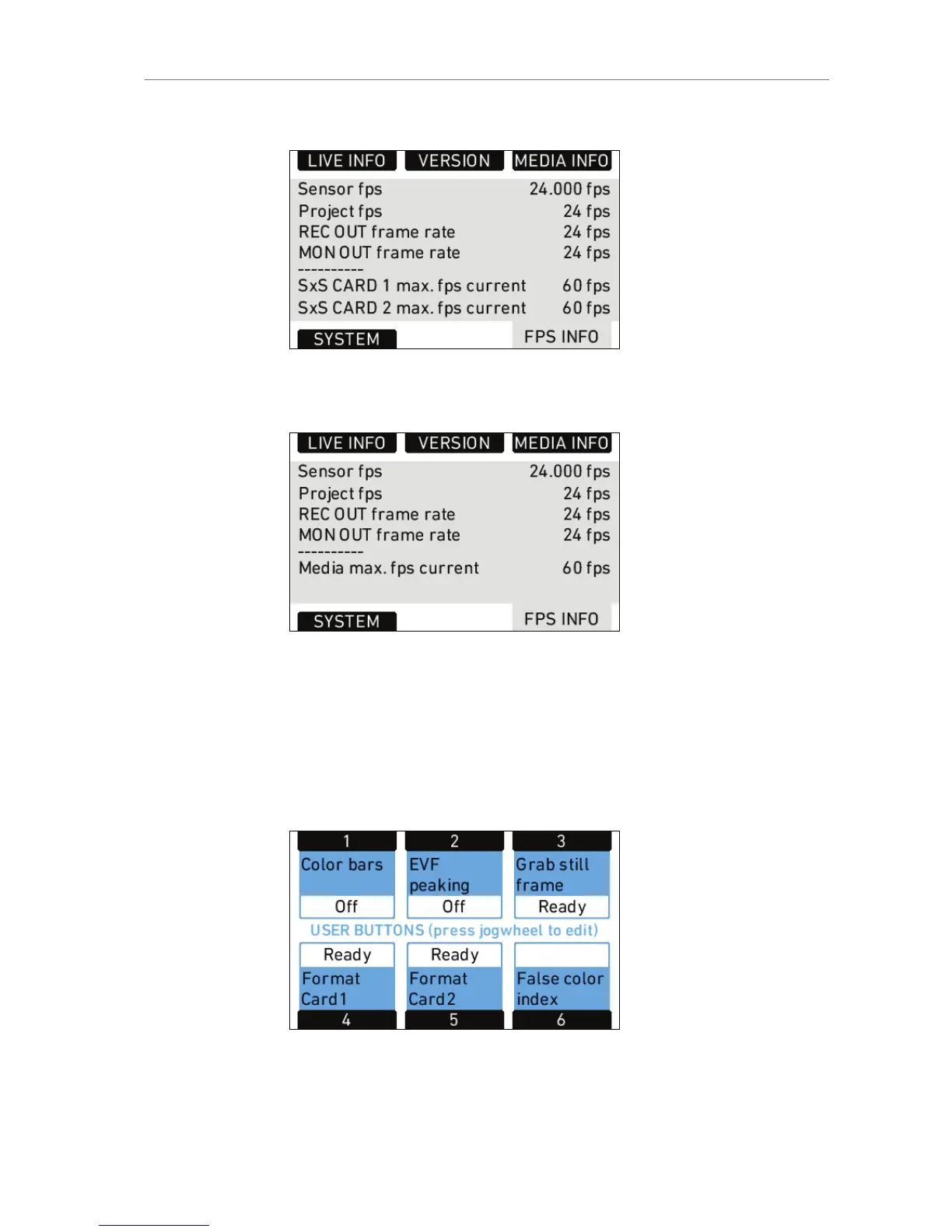
Figure 66: FPS Info screen with SxS module
Figure 67: FPS Info screen with XR module
11.1.4.3 USER
Press the USER button to open the USER BUTTONS screen. There are
six assignable user buttons. Buttons 1, 2 and 3 are shared with User
Buttons 1, 2, and 3 in the operator controls. Press the jogwheel to see a
complete list of user button options.
Figure 68: USER BUTTONS screen










 To Next Page