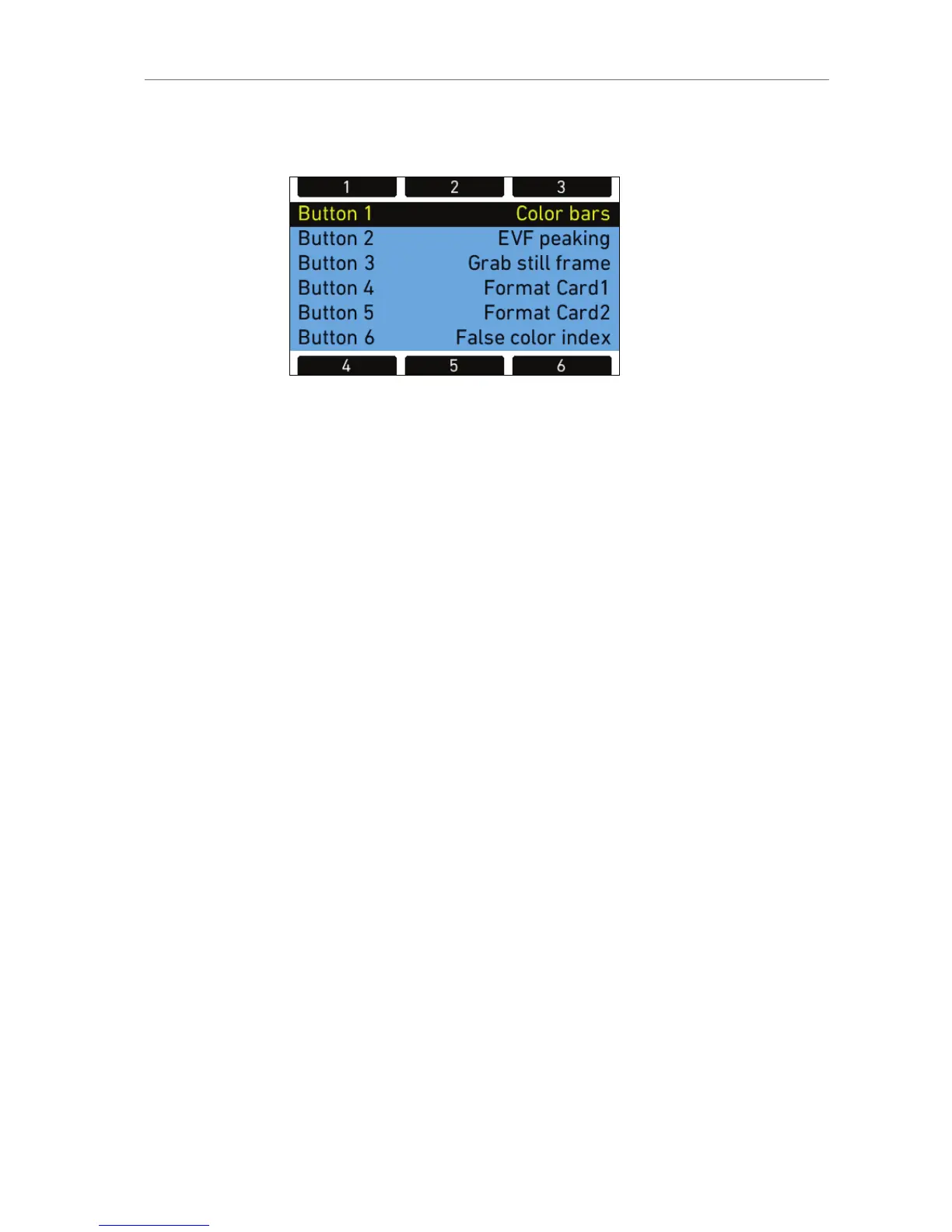
Assign functions to the buttons by using the jogwheel.
Figure 69: Edit User Button assignment
The following table lists all available functions and if they can be
assigned to user buttons 1-3 (identical for on-screen and buttons on
camera-left side), 4-6, or both:
Name Description 1-3 4-6
None button has no function X X
MON OUT surround toggles surround view of the MON OUT
on or off
X X
MON OUT gamma toggles gamma of MON OUT between
REC 709 and LOG C (only when recording
gamma is set to LOG C)
X X
MON OUT look toggles the ARRI Look File on the MON
OUT on or off (only if Look File is set and
the MON OUT is set to REC 709)
X X
MON OUT frame
lines
toggles frame lines on the MON OUT on
or off
X X
MON OUT status info toggles status info on the MON OUT on or
off
X X
MON OUT false color toggles false color display on MON OUT
on or off
X X
MON OUT peaking toggles peaking on MON OUT on or off X X
MON anam.
desqueeze
toggles anamorphic desqueeze options on
MON OUT
Requires a valid Anamorphic De-squeeze
license key installed on camera
X X
Frame lines color toggles the color of frame lines between
White, Red, Green, Blue, Yellow and Black
X X










 To Next Page