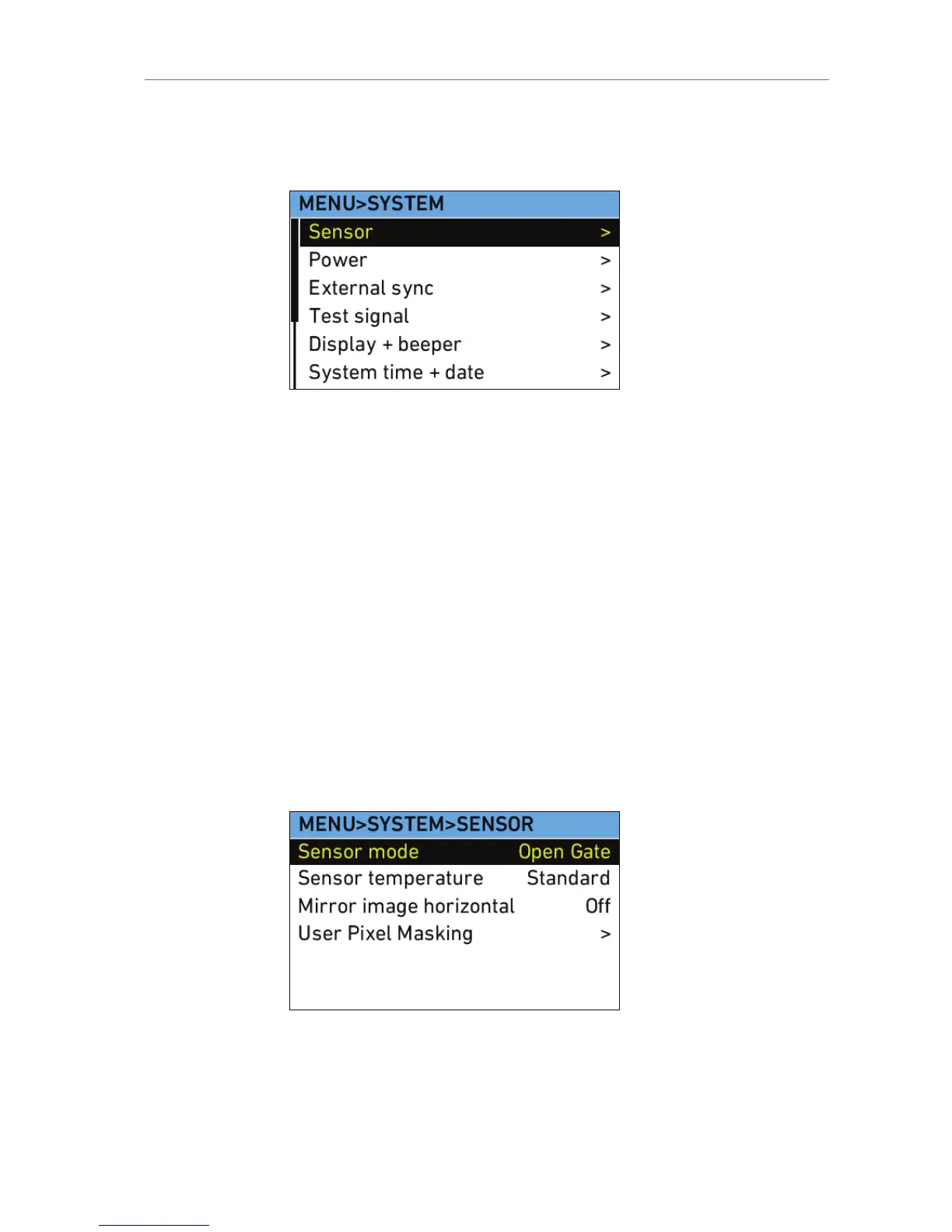
11.1.5.4 System
The System menu contains submenus of system settings.
Sensor
Sensor mode
Select to set which sensor mode is active, 4:3,
16:9 or Open Gate.
Note: 4:3 is available only on ALEXA Plus 4:3,
ALEXA Studio, ALEXA M, ALEXA XT, ALEXA XT
Plus, ALEXA XT M and ALEXA XT Studio. Open
Gate is available only on ALEXA XT cameras.
Sensor
temperature
Select to set the sensor temperature to Standard
(default) humidity or High humidity. When
shooting in tropical conditions with high
temperature and high humidity, the sensor
temperature can be changed from Standard to
High humidity to prevent condensation from
forming on the sensor coverglass.
Mirror image
horizontal
Select to mirror the image horizontally on all
image paths.
User Pixel
Masking
Select to open the User Pixel Masking screen.










 To Next Page