Note: On rare occasions, the update process can fail. If the update procedure
fails, try it again until you succeed.
Note: If internal recording is switched off, switch it back on again before
performing a firmware update.
Licensed Features
The capabilities of the ALEXA can be further enhanced through licensed
features available for online purchase. Visit the ALEXA LICENSE SHOP
at http://alshop.arri.de and follow the instructions for purchasing and
downloading license keys. Available licenses include:
DNxHD License Key
High Speed License Key
Anamorphic De-squeeze License Key
License keys are linked to each ALEXA's serial number and cannot be
transferred from one camera to another. Before purchasing a license
key, you must save the camera's hardware info file for upload during
the purchasing process.
To save the hardware info file:
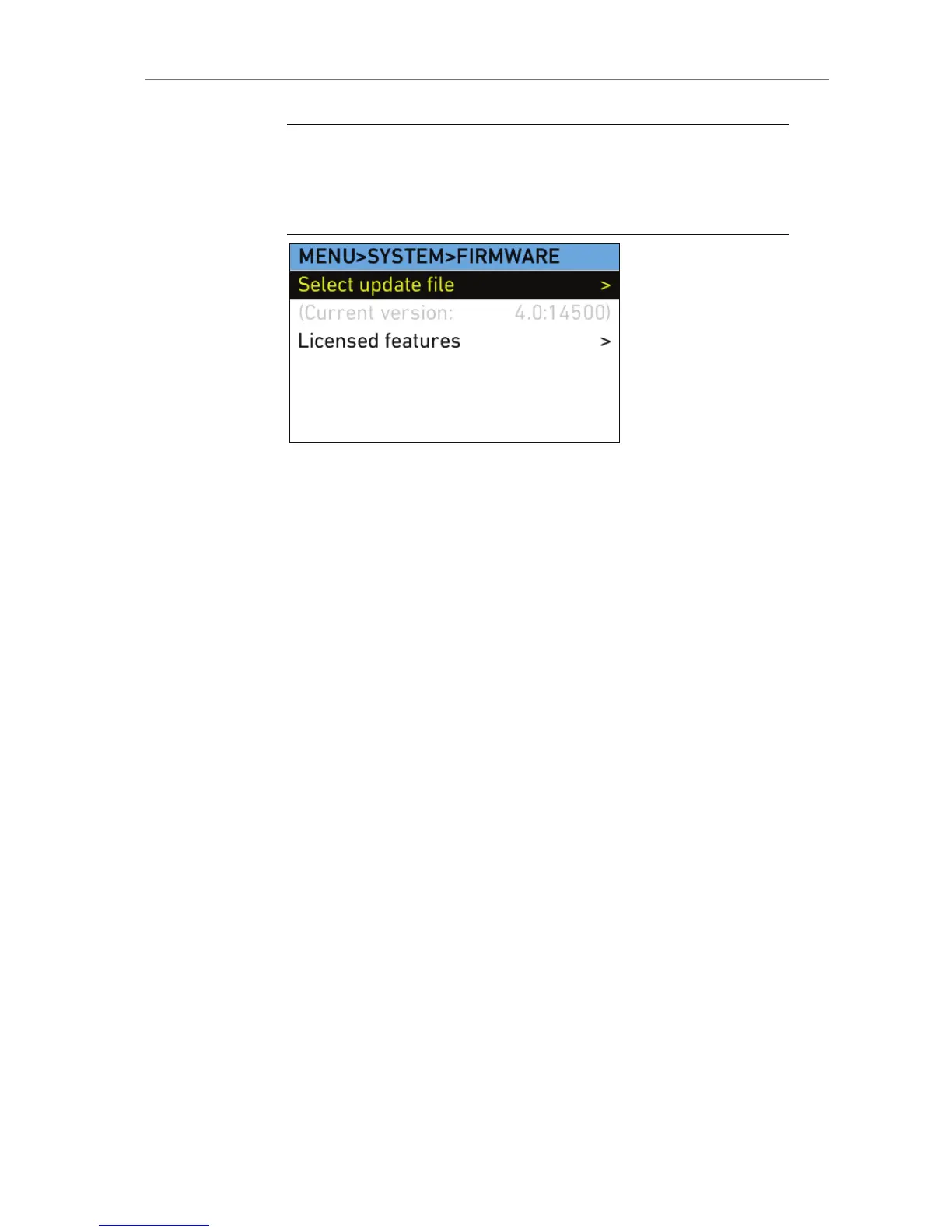
1. In the System menu, select Firmware.
2. Select Licensed features.
3. On the INSTALLED LICENSES screen, press the HW INFO button.
4. Press the SAVE button. The hardware info file will be saved on the
SD card in the root directory. It will look like sn####-
AlexaHardware.ipkg.










 To Next Page