Note: After connecting a new LDS lens, turn all lens rings slowly until all lens
axes have transmitted their current positions.
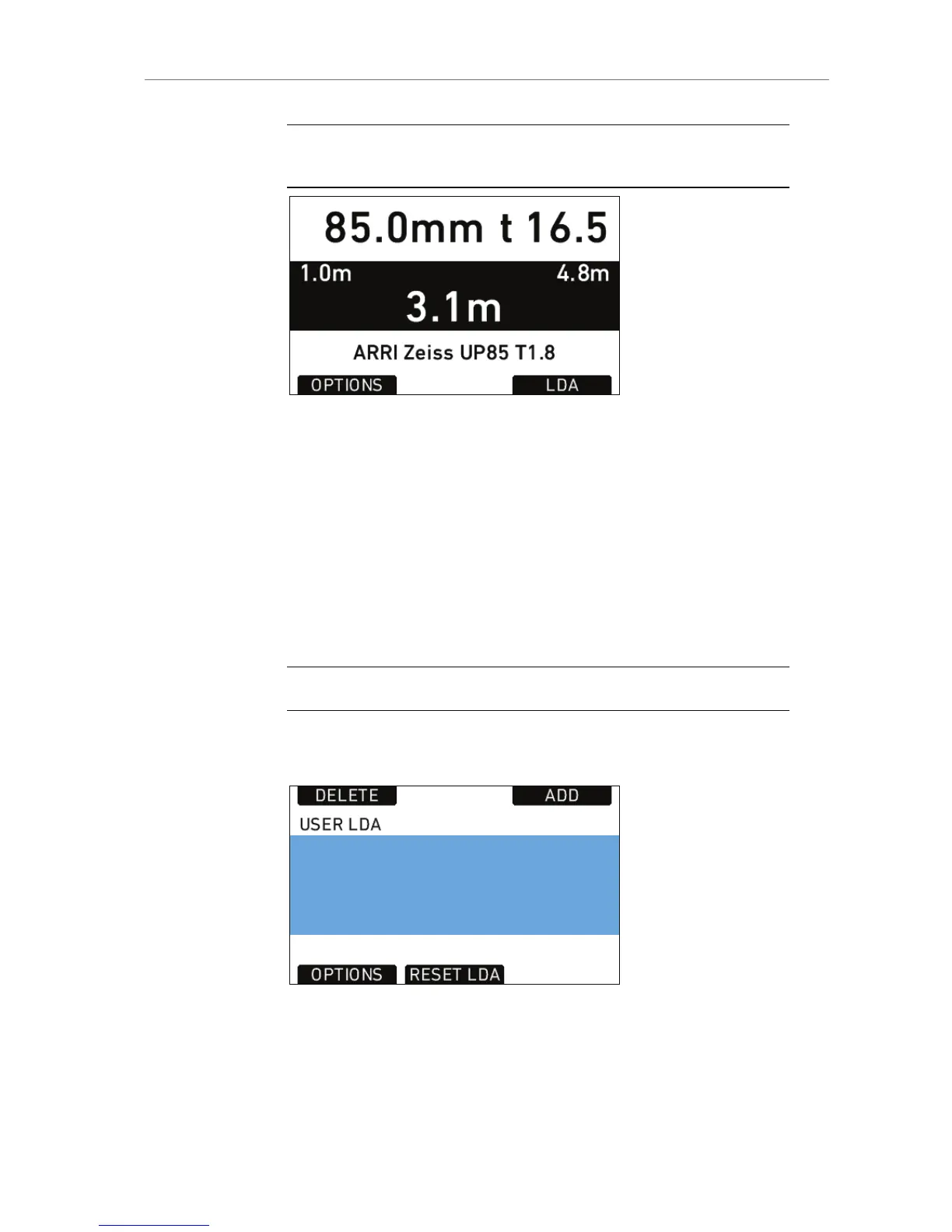
Figure 83: LDS info screen
LDA
When a non-LDS lens is connected, the user can achieve LDS
functionality by using the Lens Data Archive. In the LDS screen, a
button labeled LDA appears when a non-LDS lens is connected.
The LDA screen consists of a user list and a main archive list. The user
list should only contain the lenses currently used to achieve quick
access to the desired lens tables. The main archive contains a set of
lens tables for ARRI/Zeiss Highspeed, Master Primes and Ultra Primes
and can be extended with additional lens tables for any PL-Mount lens.
Note: Custom lens tables may have to be created manually beforehand.
Pressing the LDA button opens the User LDA screen. Select a lens table
and press the wheel. After calibrating the lens motors, the LDS
functionality can be used.
Figure 84: USER LDA screen










 To Next Page