1. Rotate the jogwheel to select the desired list value.
2. Press the jogwheel to set the list value.
Adding a list value
If the desired list value does not appear in the list, a user-defined value
can be added.
To add a list value:
1. Press the ADD button.
2. On the ADD screen, use the jogwheel and + or – buttons to enter a
new list value.
3. When you are finished entering the new list value, press the
jogwheel to add it to the list.
Note: Each list supports a maximum of 16 entries. To add new user-defined list
values to a full list, you must delete previously added user-defined list values.
Deleting a list value
User-defined list values that are no longer required can be deleted.
To delete a list value:
1. Press the DELETE button.
2. On the DELETE screen, use the jogwheel to select the user-defined
value you wish to delete.
3. Press both DELETE buttons simultaneously.
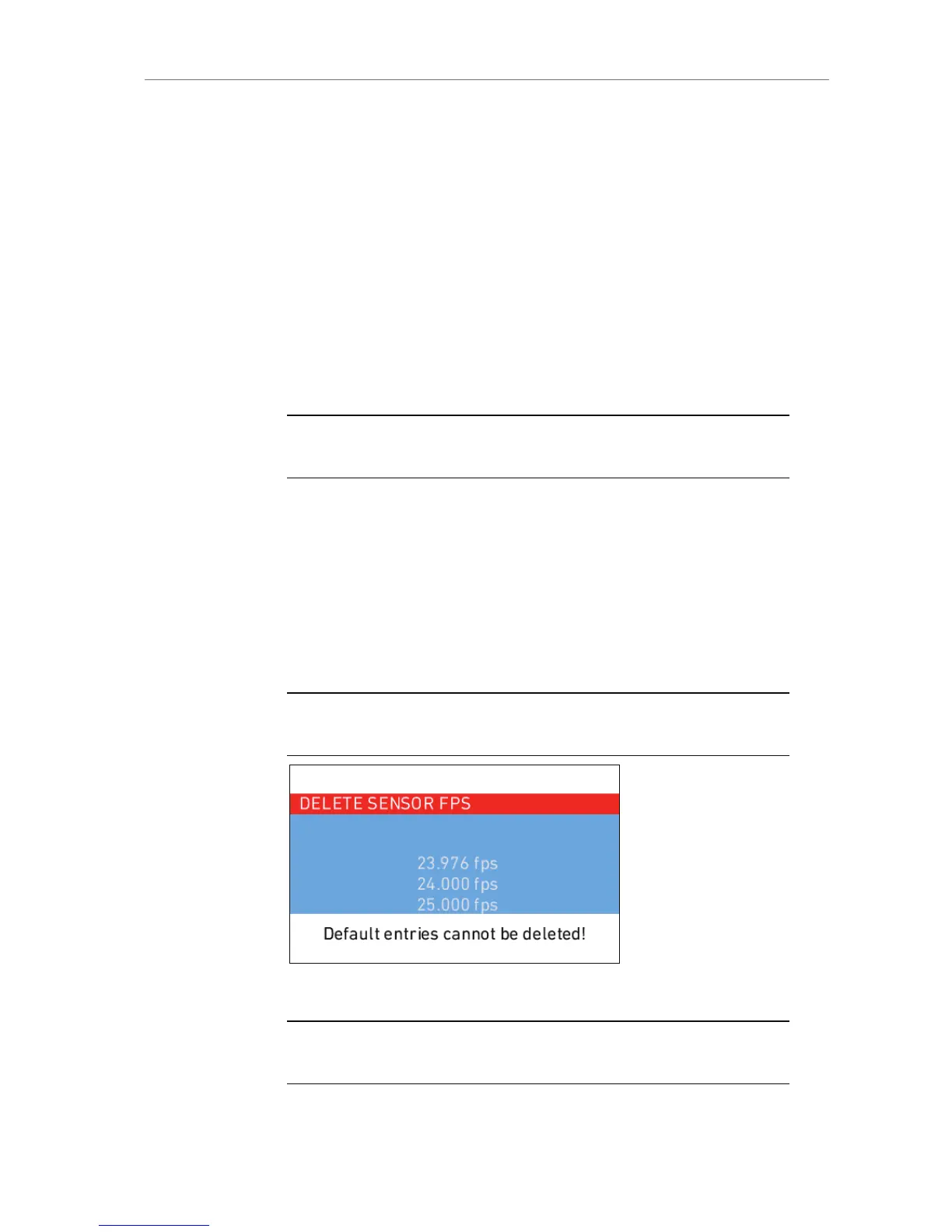
Note: Preconfigured values cannot be deleted and will appear grayed out on the
DELETE screen.
Figure 43: DELETE SENSOR FPS screen
Note: The EI list is static and cannot be changed by the user. It contains ASA
values from 160-3200 ASA in steps of 1/3 stop.










 To Next Page