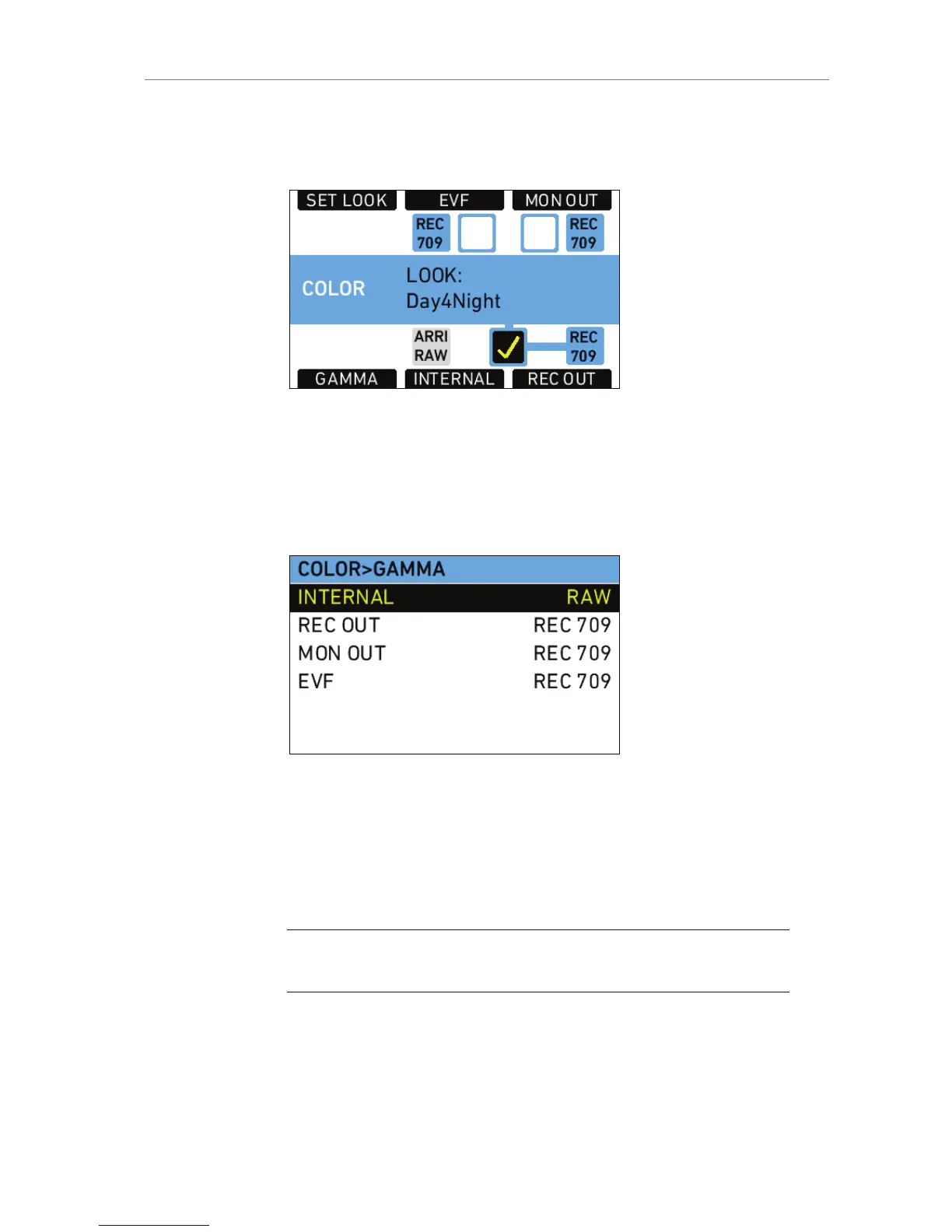
The COLOR screen also has buttons for opening the GAMMA screen,
selecting a Look File, and applying Look Files to the camera’s output
paths.
Figure 54: COLOR screen
Gamma
Press the GAMMA button to open the GAMMA screen and set the
gamma of the internal recording, REC OUT, MON OUT and EVF image
paths.
Figure 55: GAMMA screen
Gamma defines the contrast curve that is applied to the image. In the
ALEXA, there are two gamma settings for color images (not ARRIRAW)
available:
LOG C
REC 709
Note: Starting with SUP 7.0, DCI P3 is no longer available as a gamma since it
was seldom used but frequently led to confusion.










 To Next Page