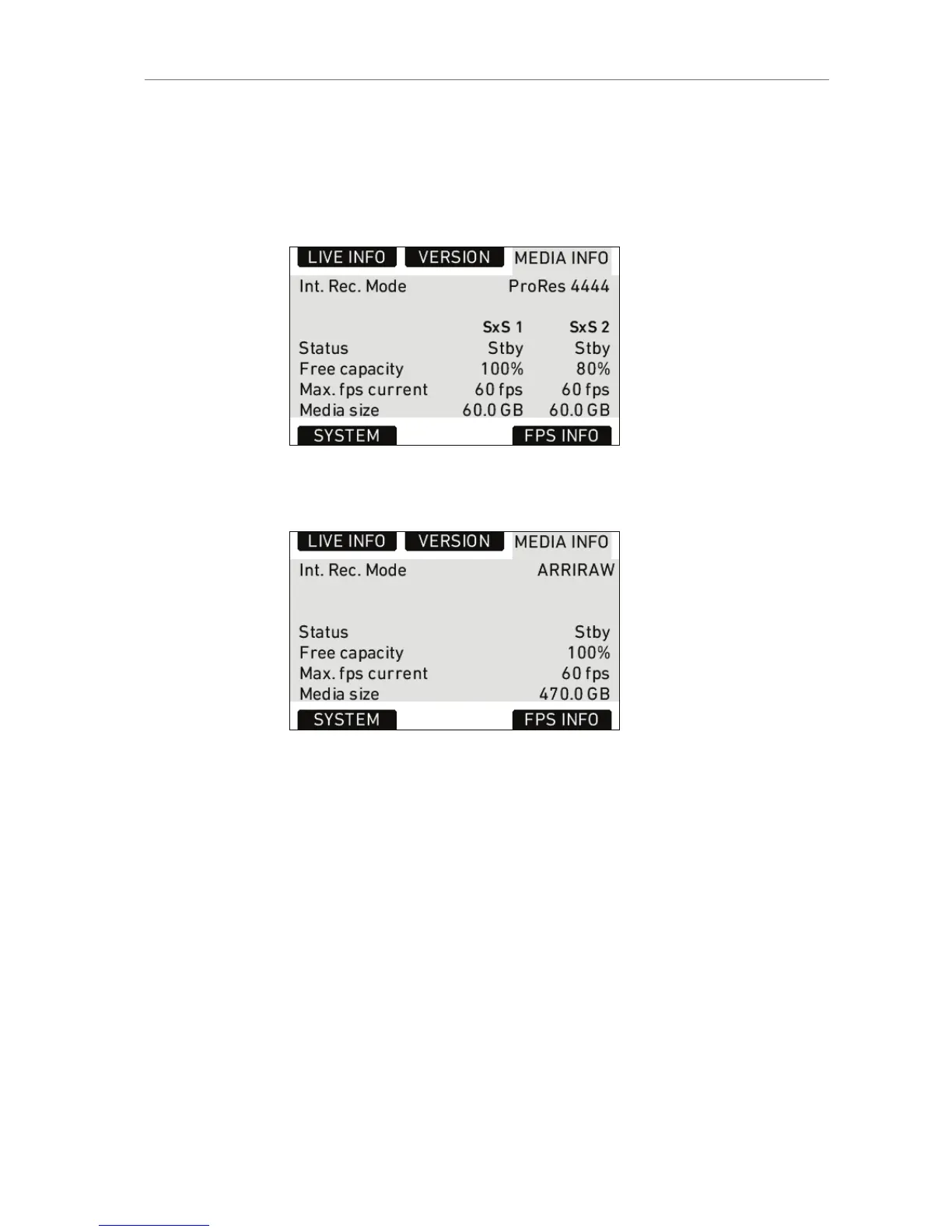
Free
capacity
Free storage space displayed as a percentage.
Max. fps
current
Maximum frame rate with current codec.
Media size Total available storage space on media
Figure 63: MEDIA INFO screen with SxS module
Figure 64: MEDIA INFO screen with XR module
SYSTEM Info
Time/Date Current date and time. To set the date and time,
press the MENU button, select SYSTEM and
select DATE/TIME.
Fan speed Speed of the camera’s cooling fan in rotations per
minute.
Sensor
mode
Shows the active sensor mode: 16:9, 4:3 or Open
Gate.
4:3 mode is available on ALEXA Plus 4:3, ALEXA
M, ALEXA Studio, ALEXA XT, ALEXA XT Plus,
ALEXA XT M and ALEXA XT Studio.










 To Next Page