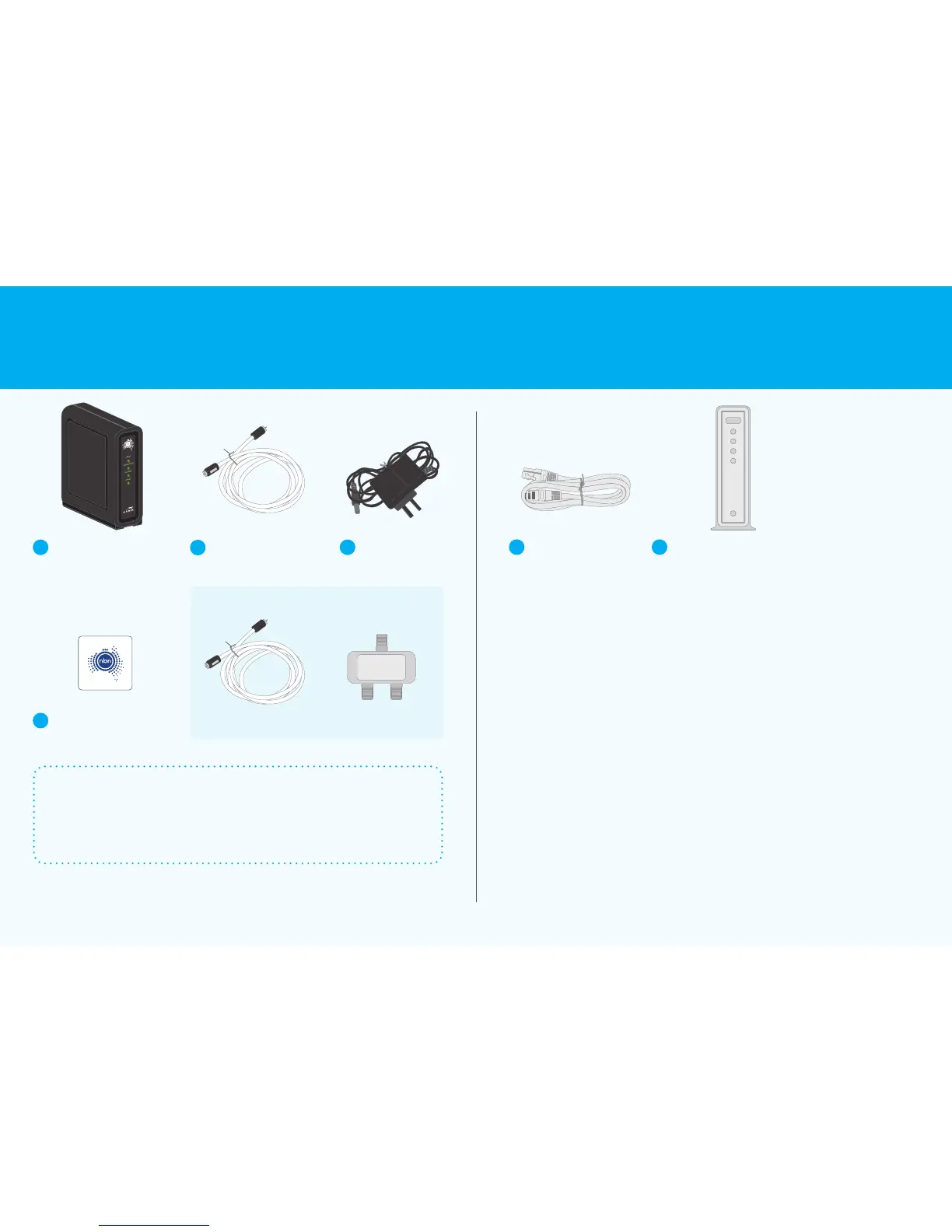
A
nbn
™
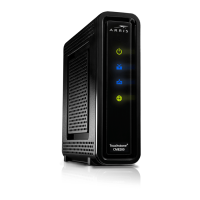
connection box
B
White cable
C
Power adaptor
D
nbn
™
wall outlet sticker
nbn
™
supplied equipment is the property of nbn
This means it must not be removed from your premises (even if you
move). If you need help with your service, cables or wiring, contact
your service provider.
The equipment and accessories shown above may dier from those supplied by your
service provider. Refer to your service provider’s equipment instructions.
If you are missing any of the above equipment from your connection kit, contact your internet
service provider to rectify the issue.
The service provided to you is the responsibility of your phone or internet service provider.
All other cables and equipment are the responsibility and property of you or your phone or
internet service provider. This includes the internal wiring required for additional internal phone
outlets within your home or business.
Equipment in
your connection kit
Other equipment required
(not supplied by nbn)
POWER
DOWNSTREAM
UPSTREAM
ONLINE
CM8200
These items are not required – store for future use
SplitterSpare white cable
F
Your own or your service
provider’s supplied
gateway (router)
E
Ethernet cable
(ARRISTouchstone
™
CM8200B)
(Remove plastic caps before use)
IN
3 Connection without pay TV or existing cable internet Connecting to the nbn
™
network 4











 To Next Page