Action Menus
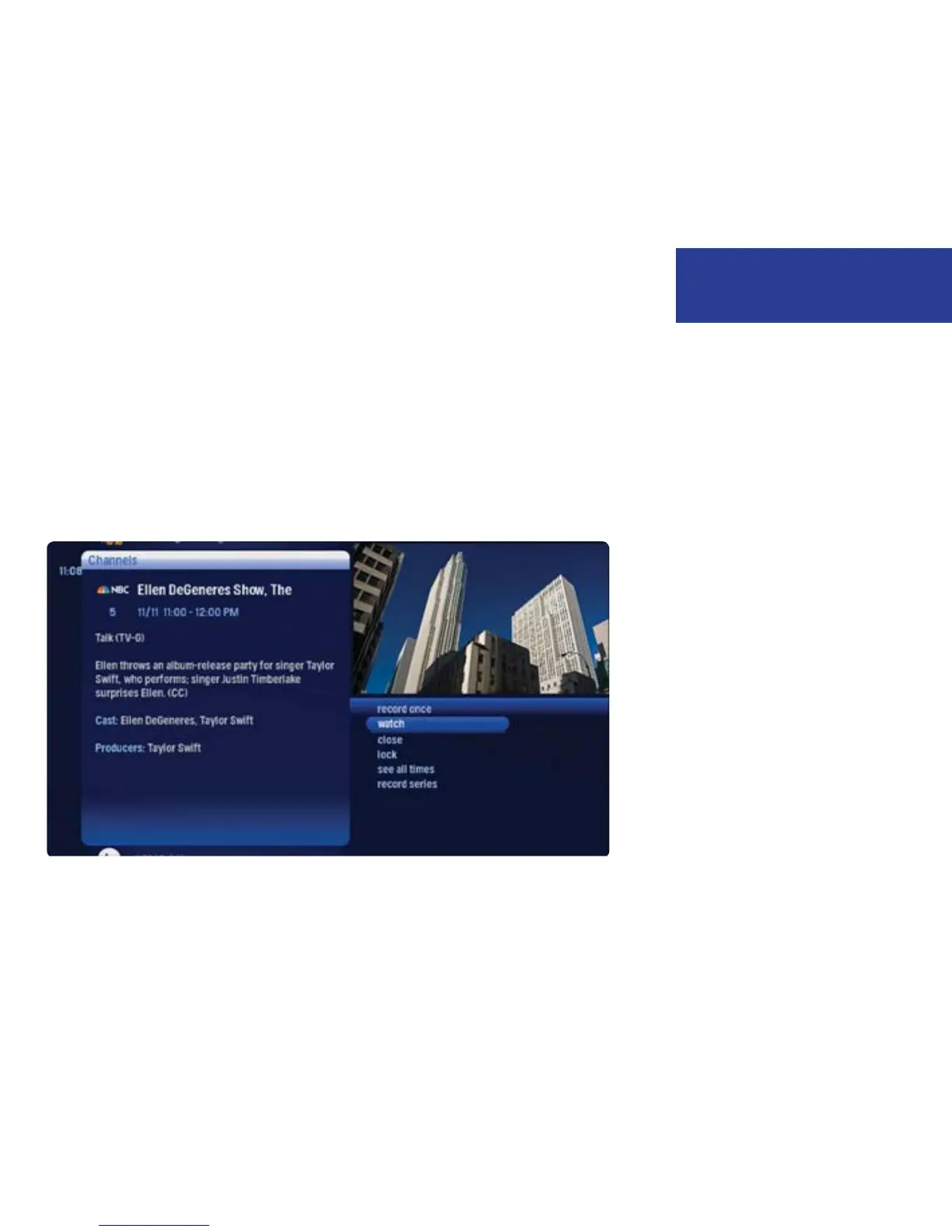
When you press OK on an item in center focus, you’ll get a list of options for that
item in an action menu.
Use the up and down arrow buttons to scroll through your action menu options.
Action menus have a focus, just like the Moxi Menu. To select an option, bring it
into focus, and press OK.
To close the action menu, either select close or press the left arrow button.
7
Welcome to Moxi



 To Next Page