Scheduled to Record
Confirm that a show is set to record using the Scheduled to Record category.
In Scheduled to Record, you can also cancel a recording and access your recording options for each show. Just
pick the show you want to manage, and press OK. The action menu gives you all of your choices, including:
• Cancel Recordings
• Recording Options
• Lock
• See All Times
Series Options
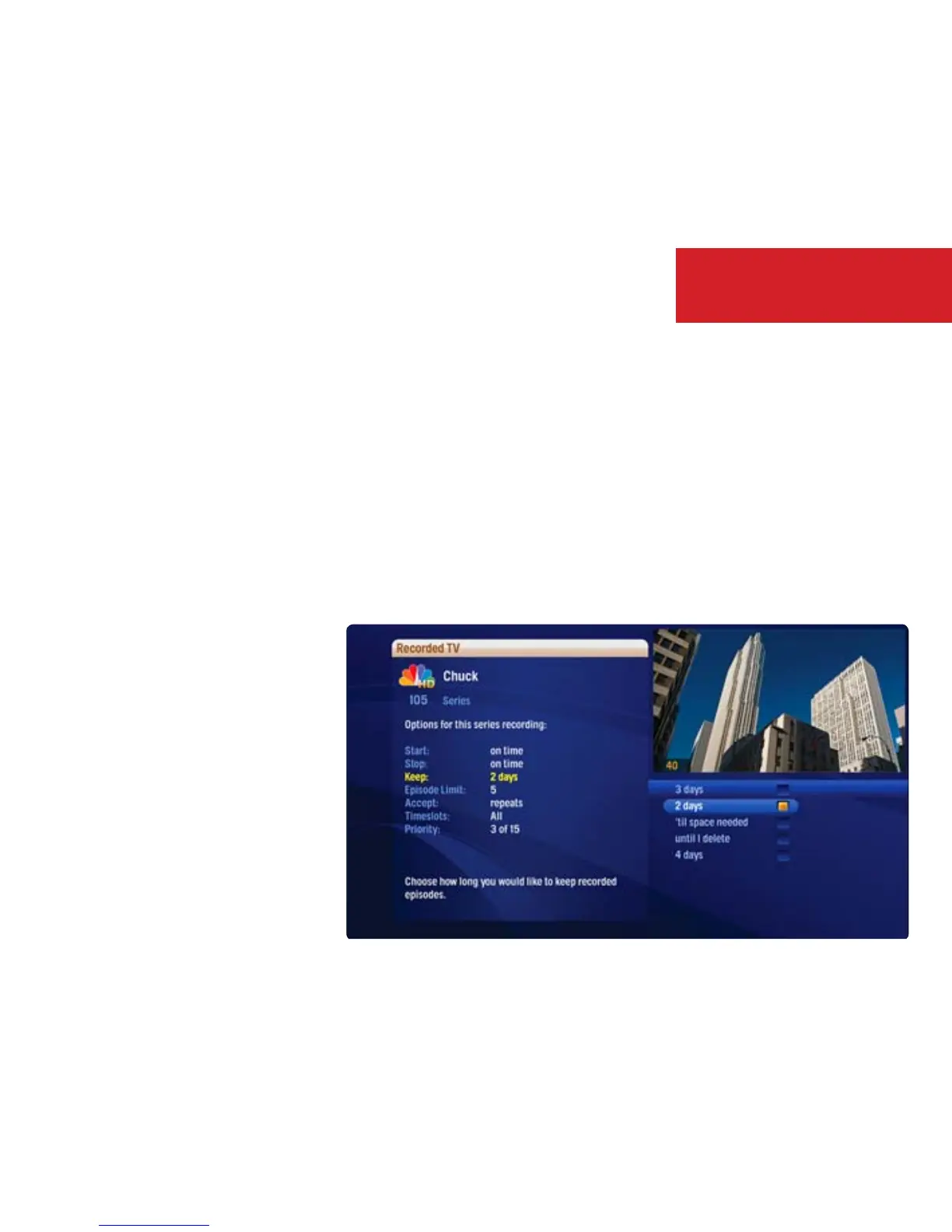
Series Options lists the series you have scheduled to record in priority order. With one of the series selected, press
OK, and you’ll be able to:
• Change Recording Options
• Delete the series from the recording list
• Change the Priority Order
• See All Times the series airs
32
Recording TV



 To Next Page