Slideshows
Moxi Photo’s slideshow functionality makes it fun and easy to browse
your photos full screen. Try playing a slideshow in the background at
your next party!
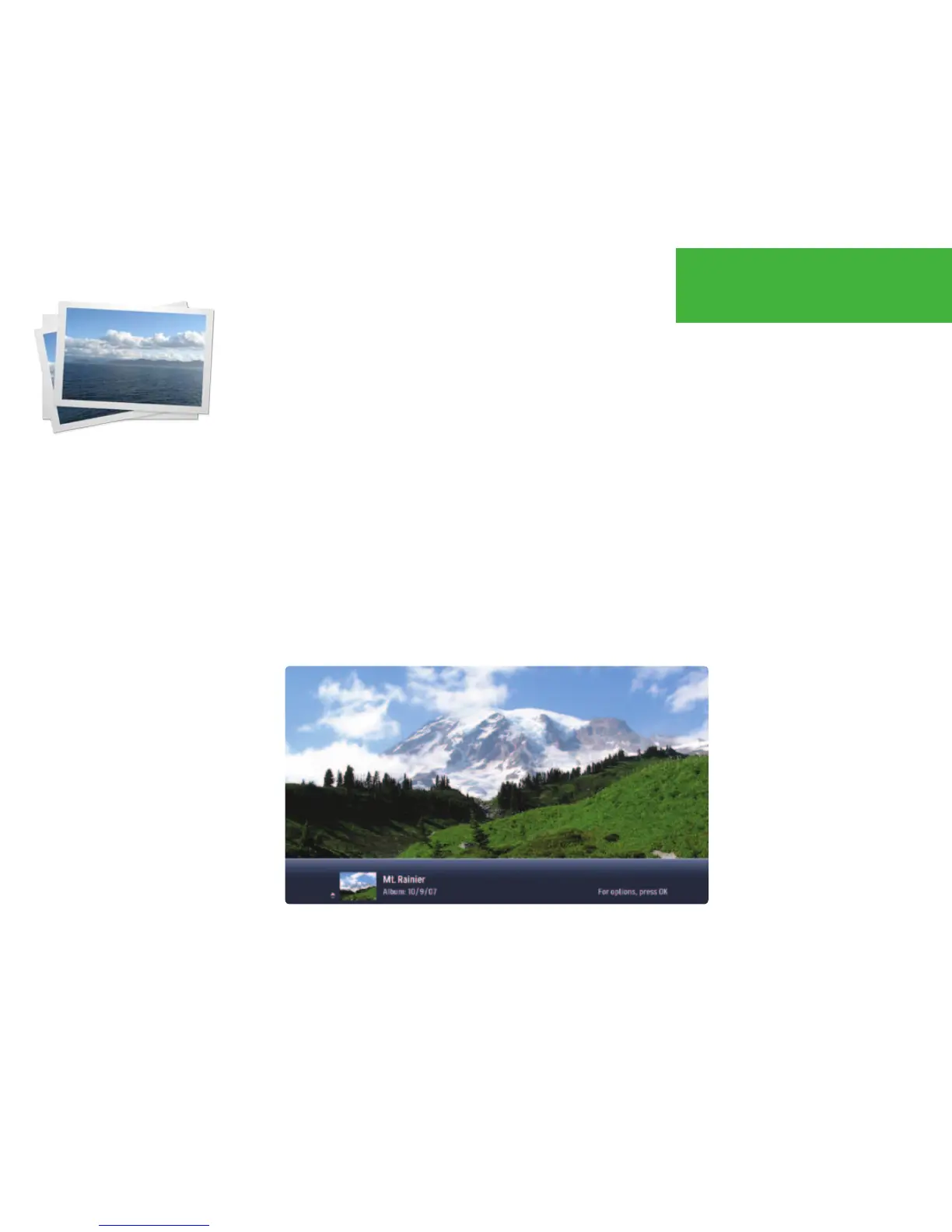
During the slideshow, your photos will advance automatically:
• Use the left and right arrow buttons to move manually through
photos full screen.
• Use the up and down arrow buttons to change the photo displayed
on the flip bar.
• Rewind and fast-forward speed up and slow down the speed of
the slideshow.
• Pause, play, or stop the slideshow with the player controls.
• Skip and next will advance the slideshow forward one photo.
• Back and replay will rewind the slideshow one photo.
SLIDESHOW TIPS
If you use one of the player
controls while watching a slide
show, you’ll see the Photos
version of the Player Bar.
If you use one of the arrow
buttons while watching a
slideshow, you’ll see the Photos
version of the Flip Bar.
Viewing Photos
52



 To Next Page