Ethernet or USB?
There are two ways to connect your computer (or other equipment) to the Tele-
phony Modem. The following will help you decide which is best for you:
Ethernet
Ethernet is a standard method of connecting two or more devices into a Local Area
Network (LAN). Use the Ethernet connection if your computer has built-in Ethernet
hardware, does not use Windows, or you want to share the Telephony Modem con-
nection with several computers.
Note: To connect two or more computers to the Ethernet port, you will need a
hub or broadband router (available at computer retailers).
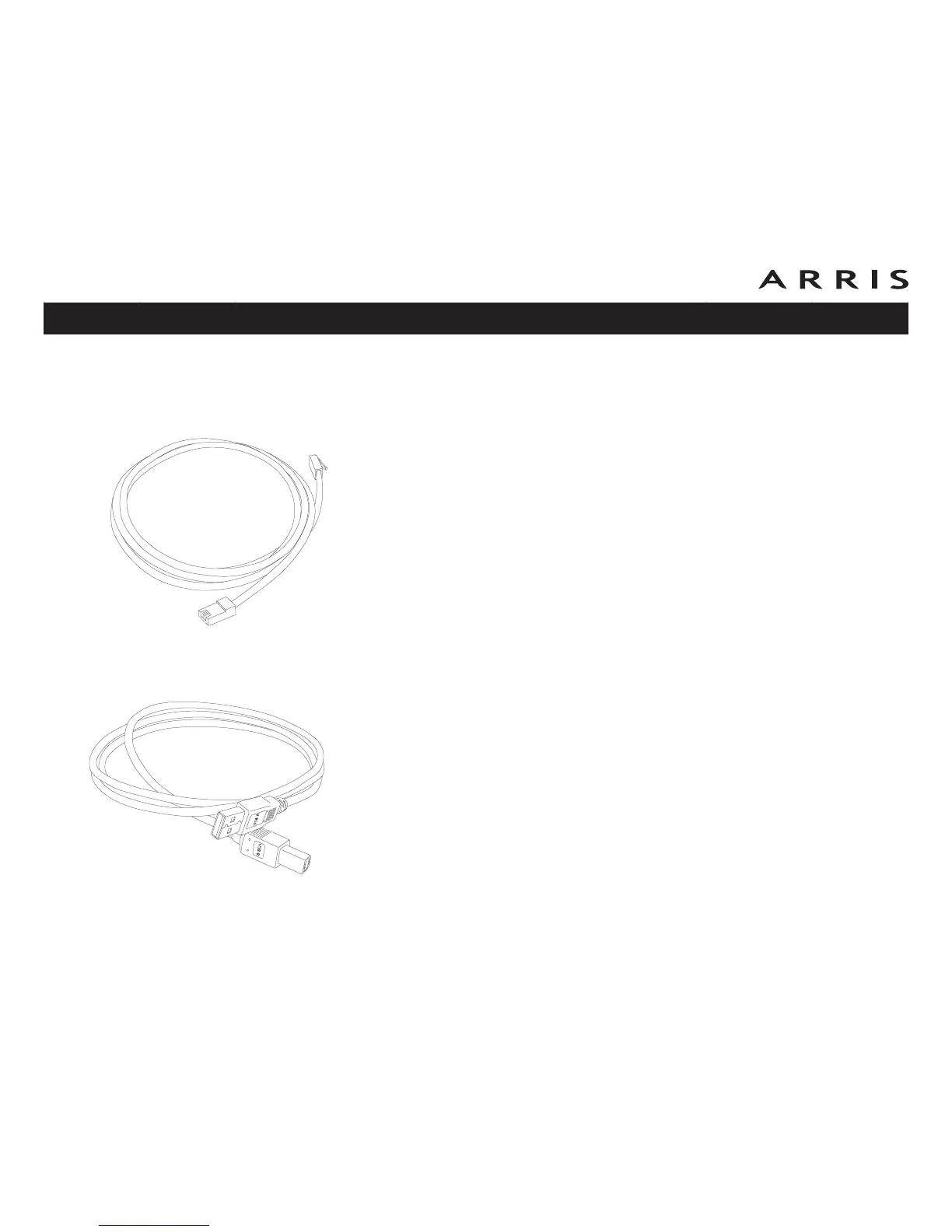
The Telephony Modem package comes with a 6-foot (1.9m) Ethernet cable (the
connectors look like wide telephone connectors); you can purchase more cables if
necessary at a computer retailer. If you are connecting the Telephony Modem
directly to a computer, or to an Ethernet hub or broadband router with a cross-over
switch, ask for Category 5 (CAT5) straight-through cable. If you are connecting the
Telephony Modem to an Ethernet hub or broadband router without a crossover
switch, ask for a Category 5 crossover cable.
USB
USB (Universal Serial Bus) is meant for connecting a variety of accessories, such as
keyboards, mice, printers, and communications devices (including Telephony
Modems) to a single computer. Use the USB connection if you have only one com-
puter, and the computer is using a Windows operating system (Windows 2000 or
later), and has no built-in Ethernet hardware. Telephony Modems with USB ports
include a 5-foot (1.6m) USB cable.
Both
If you have two or more computers, you can connect one computer to the Tele-
phony Modem’s USB port and one or more other computers to the Ethernet port.
To connect two or more computers to the Ethernet port, you will need a hub or
broadband router (available at computer retailers).
Touchstone TM602 Telephony Modem User’s Guide
Safety
Getting
Started
Battery
Installation Installation
USB
Drivers
Ethernet
Configuration Usage Troubleshooting Glossary
12
Ethernet Cable
USB Cable














 To Next Page