Using the Reset Button
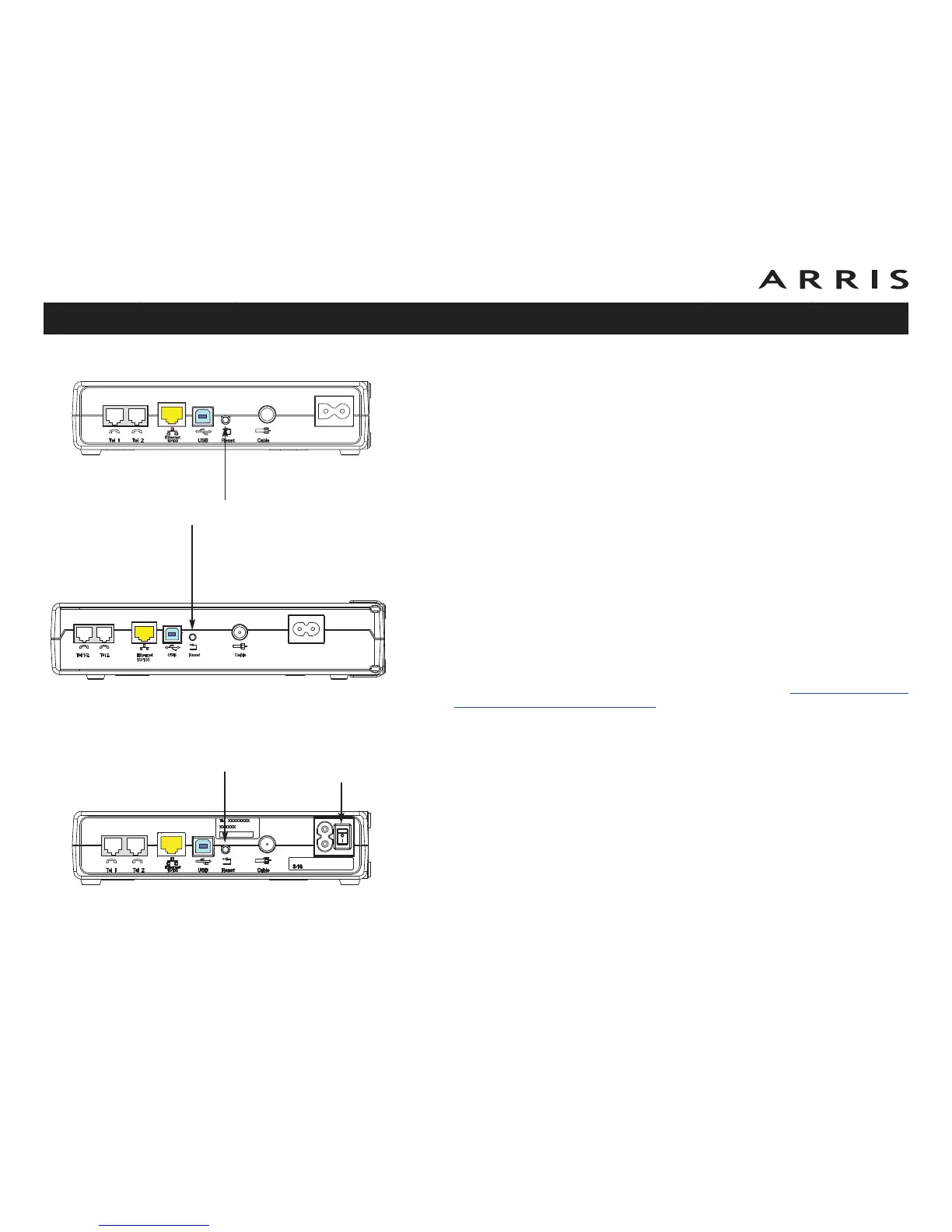
Use the Reset button, on the back of the Telephony Modem, to reset the modem
as if you power cycled the unit. You may need to reset the Telephony Modem if you
are having problems connecting to the Internet. Using this button will be rare.
Use a pointed non-metallic object to press this button. The photo to the left shows
the location of the Reset button. The Reset button is recessed to prevent acci-
dental resets.
Model TM602S only: The rear panel power switch can also be used to power cycle
the unit.
Booting from Battery
The TM602G supports a “Boot from Battery” feature that allows the Telephony
Modem to begin service without AC power.
To start the TM602G from its battery, follow these steps:
1 If a battery is already installed in the Telephony Modem, remove it.
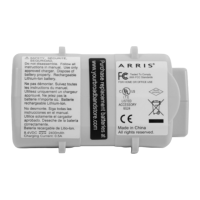
2 Re-insert the battery into the Telephony Modem (see Battery Installation
and Replacement (TM602G Only) for details).
3 Press the Reset button; the Power light should turn on immediately.
Touchstone TM602 Telephony Modem User’s Guide
Safety
Getting
Started
Battery
Installation Installation
USB
Drivers
Ethernet
Configuration Usage Troubleshooting Glossary
68
TM602A/B
TM602G
Reset Button
TM602S
Reset Button
Power
Switch














 To Next Page