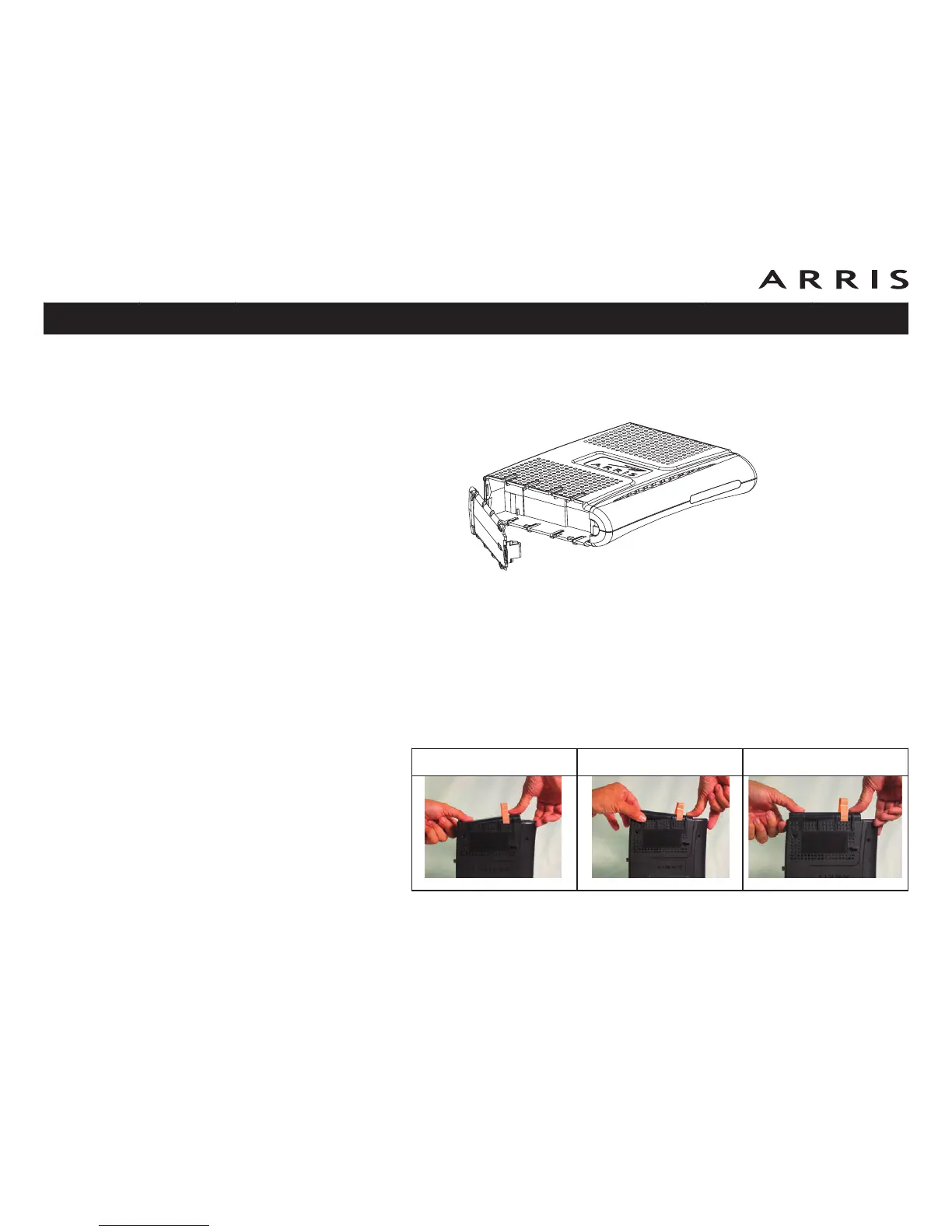
Extended Backup Battery Installation
1 Pull back the battery door latch and remove the battery door. Set the door
aside.
2 Stand the Telephony Modem on its top, so the battery bay faces up.
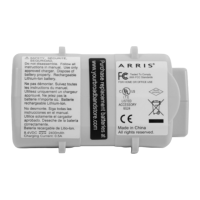
3 Align the guides on the battery with the slots on the Telephony Modem as
shown below, and slide the battery into the bay.
Note: Batteries will not insert completely into the Telephony Modem if not
oriented correctly. The battery should slide into the bay without significant
force. Line up the slots in the battery bay with the guides on the battery
and apply even pressure on both ends of the battery.
Touchstone TM602 Telephony Modem User’s Guide
Safety
Getting
Started
Battery
Installation Installation
USB
Drivers
Ethernet
Configuration Usage Troubleshooting Glossary
17
WRONG WRONG RIGHT














 To Next Page