Chapter 4: Install and connect your Telephony Modem
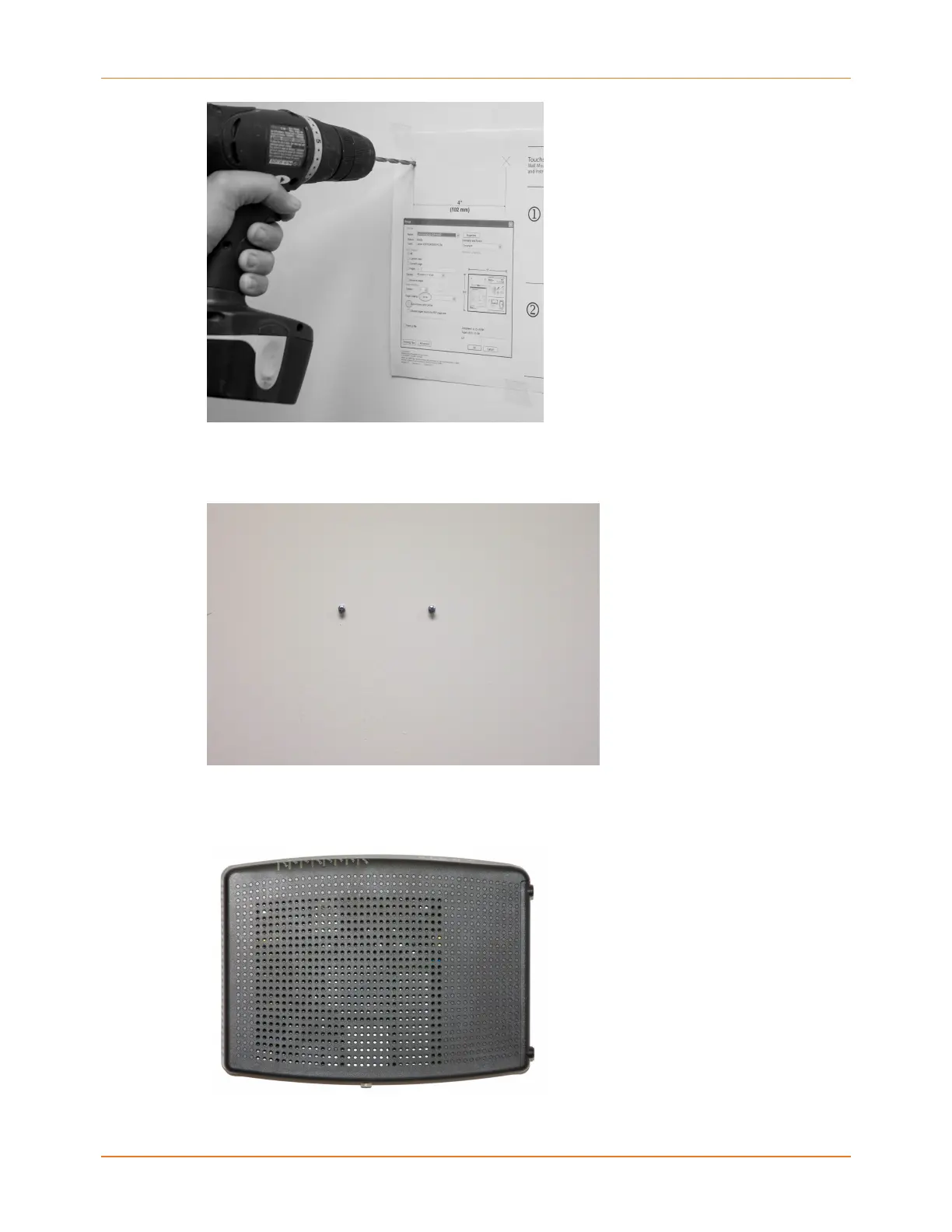
3. If you are using drywall anchors, set them into the wall. Then, drive the screws into the
wall leaving a gap of about 1/8” (3 mm) between the screw head and the wall. If you are
not using anchors, just drive the screws.
4. Orient the Telephony Modem with the indicator lights facing up or right, as desired. Slip
both mounting slots (in the back of the Telephony Modem) over the screws, then slide
the case down until the narrow end of the keyhole slot contacts the screw shaft.
Touchstone TM804 Telephony Modem User Guide STANDARD Revision 1.2 26















 To Next Page