Chapter 4: Install and connect your Telephony Modem
■
for mounting on plywood or studs: two #6 x 1.5” (38.1 mm) self-tapping panhead wood
screws (not included)
■
screwdriver (flat-blade or Phillips, depending on the kind of screws you use)
■
wall-mounting bracket (included with the TM804 Telephony Modem) quick installation
guide
■
transparent tape, for temporarily securing the mounting template to the wall (not
included)
Location
Always position the Telephony Modem:
■
within reach of an AC outlet. The power cord must reach the outlet without stretching
and without adding extension cords.
■
near a cable outlet (to avoid long cable runs).
Wall mounting instructions
Note: When mounting the Telephony Modem on drywall, try to position the
Telephony Modem so at least one of the screws is fastened to a stud. This may
prevent the Telephony Modem from pulling out of the wall in the future. To prevent
overheating of the Telephony Modem, do not block the ventilation holes on the sides
of the unit.
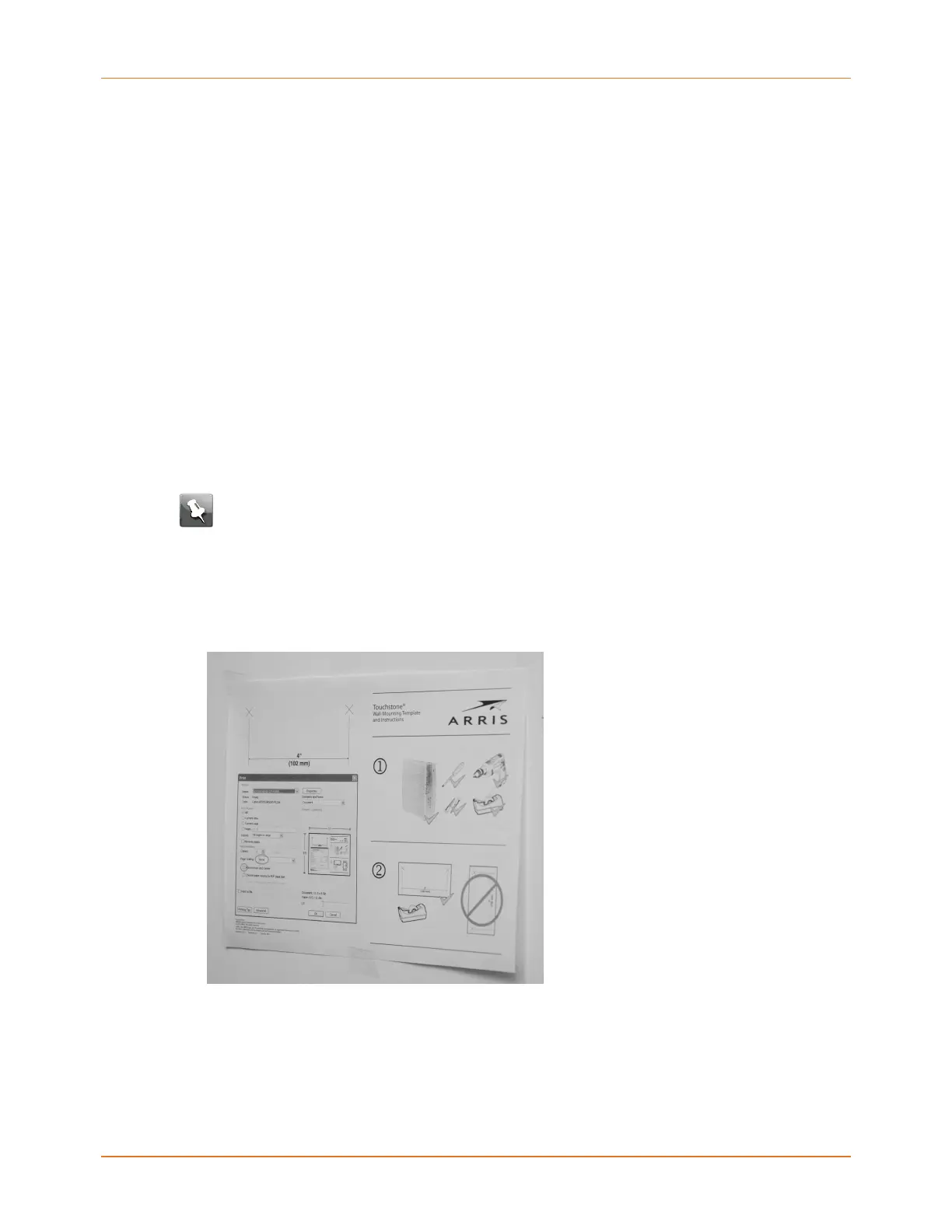
1. Position the mounting template on the surface where you intend to mount the
Telephony Modem and secure in place with transparent tape.
2. Drill holes through the template in the specified locations for the mounting screws. After
drilling holes, remove the template from the surface.
Touchstone TM804 Telephony Modem User Guide STANDARD Revision 1.2 25















 To Next Page