ARTEX PRODUCTS / ACR ELECTRONICS, INC
DESCRIPTION, OPERATION, INSTALLATION AND MAINTENANCE MANUAL
B406-4 (453-5004)
Page 38 of 70
SUBTASK 25-62-03-810-002
B. ELT Troubleshooting Guidelines
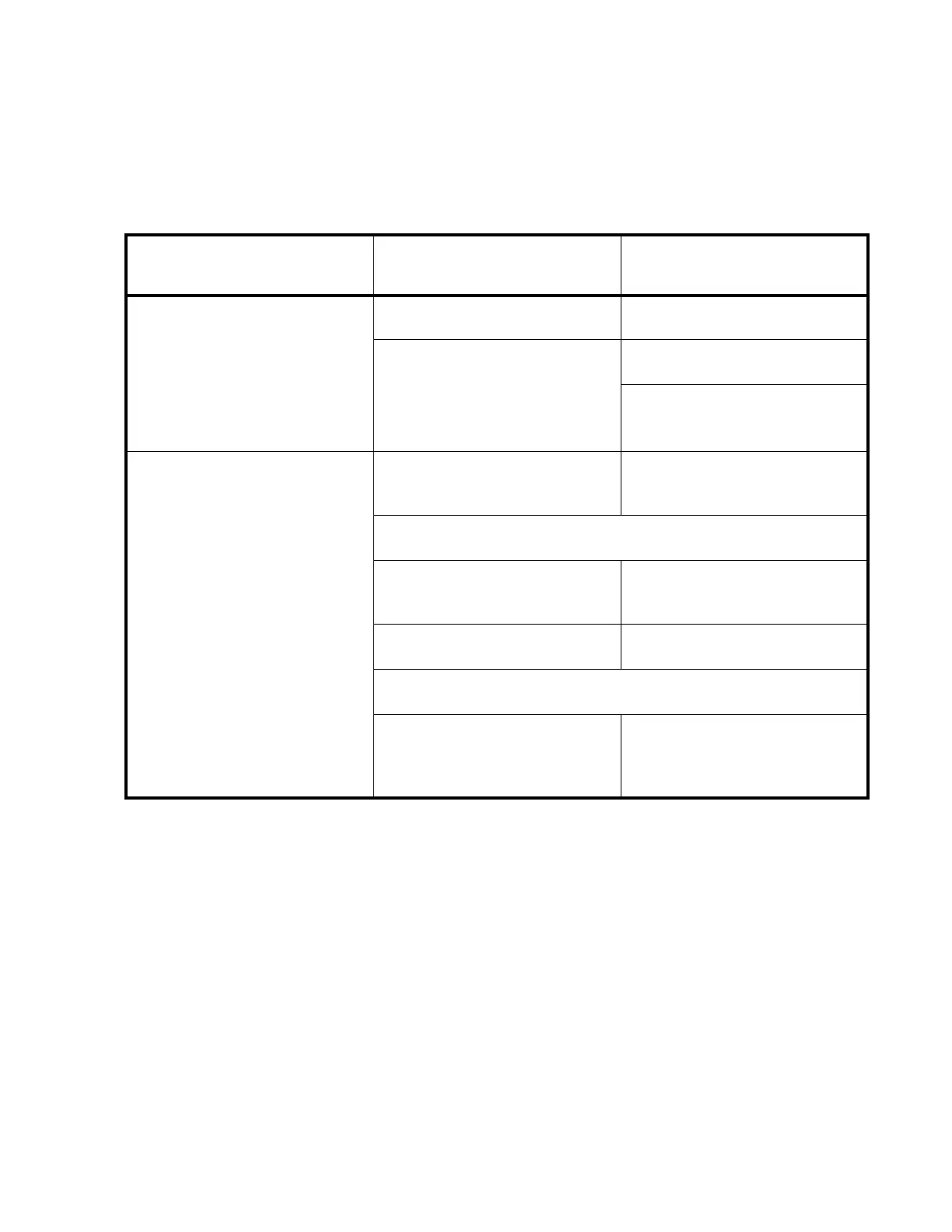
(1) Table 7 provides ELT troubleshooting guidelines for installation and operational issues.
Remote panel status light always
on (steady)
Check for frayed insulation
Verify integrity of all crimp and
solder connections
Battery too low to support 406
burst and causes circuit to reset
Remove battery pack to disable
ELT and replace battery pack
Turn off ELT using local switch - If ELT turns off:
Defective remote panel harness
reset circuit wiring
Check wiring continuity and repair
as necessary
If ELT does not turn off using local switch:
Remove battery pack to disable
ELT and return ELT to factory for
servicing
Table 7 ELT Troubleshooting Guide


 To Next Page