1.2.10. Output Circuit
1.2.10.1. Distortion
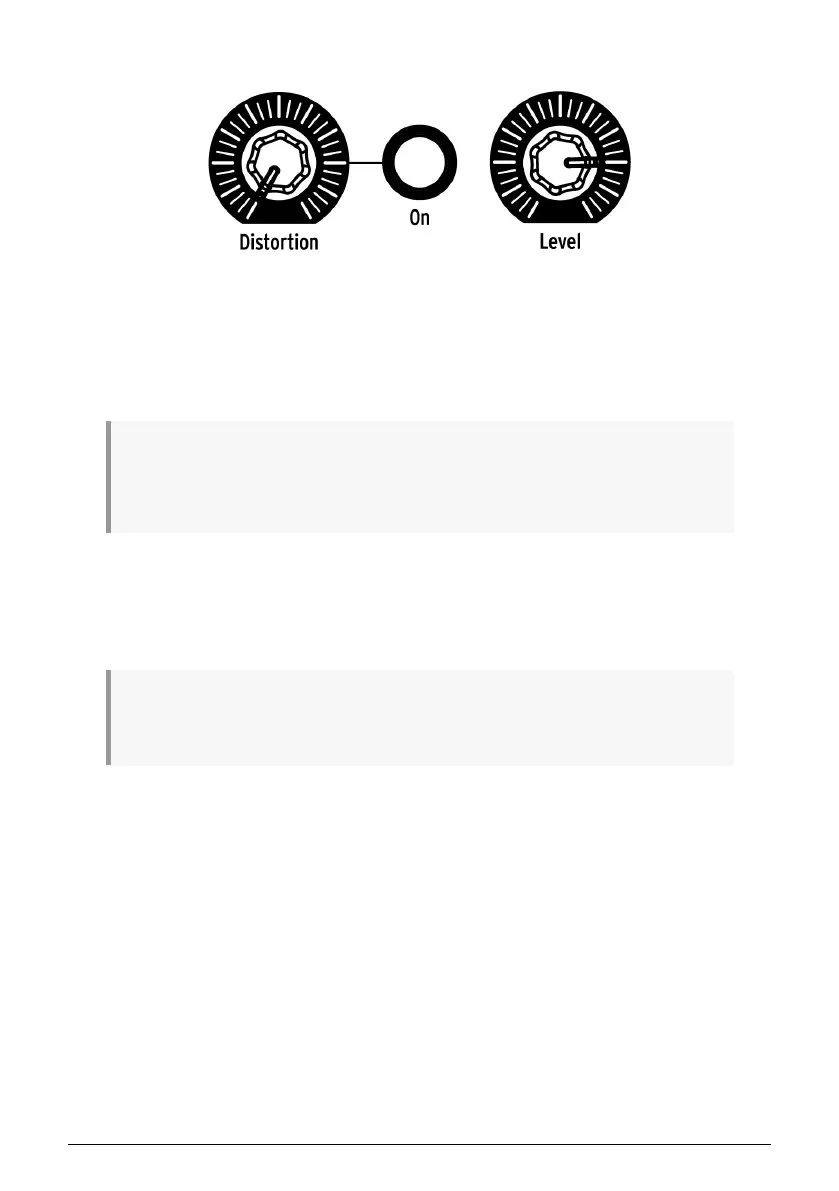
This knob controls the level of distortion being applied to the overall mix. The distortion circuit
is at the end of the signal path, so when it is used all instruments will sound distorted. The
button to the right of the Distortion knob will toggle the Distortion effect on and off.
♪: The Distortion does not affect the individual outputs of the Kick, Snares, Hi Hats, or the FM Sound.
However, there is an independent Drive effect for the Kick that can be added using the Color feature.
The Drive effect is available at the independent Kick output. See the Color mode section [p.34] for more
information.
1.2.10.2. Level
This knob controls the master output level of the DrumBrute Impact. It also controls the
headphone level.
♪: The Master Volume knob will not affect the level of an instrument when a cable is plugged into the
rear panel output of that instrument. In this case, use the Level knob above that instrument’s drum pad.
See this section [p.18] for more information.
11 Arturia - User Manual DrumBrute Impact - Overview















 To Next Page