9.4. Project Browser
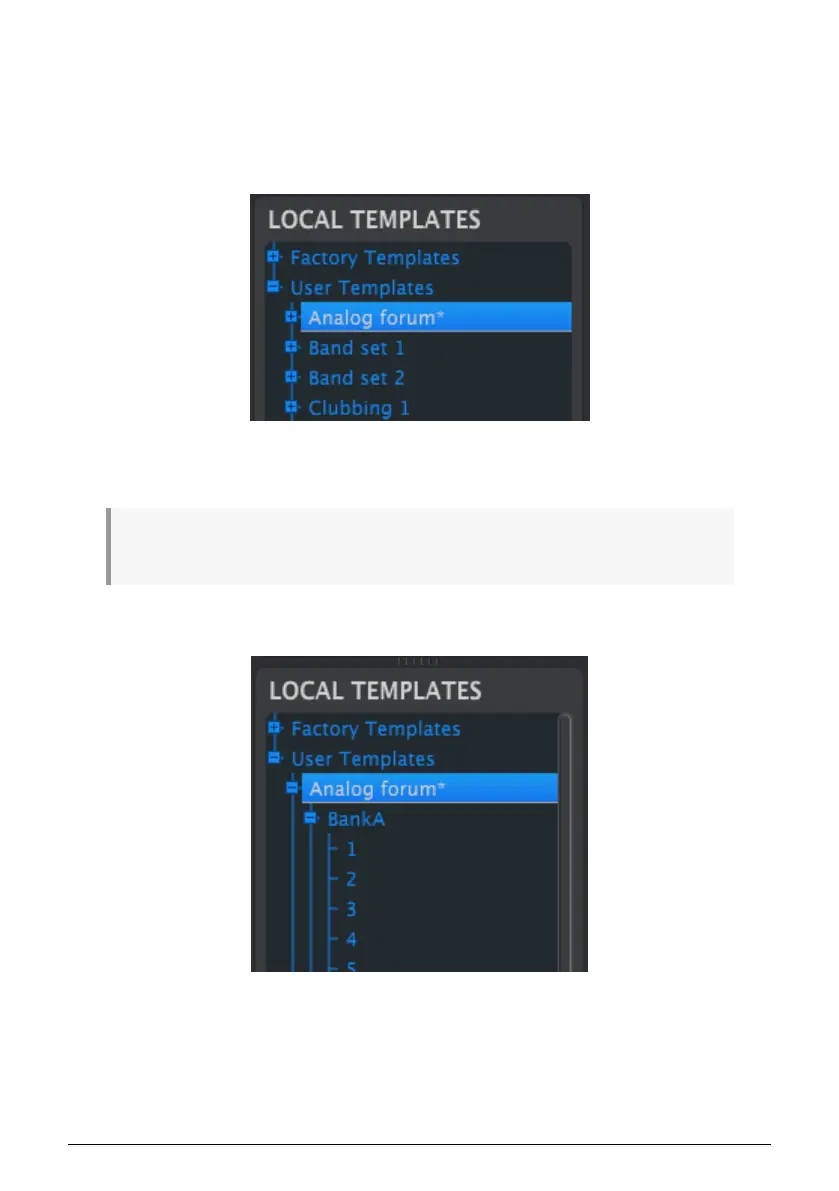
The Template Browser shows a list of all the Templates that have been archived using the
MIDI Control Center. These are divided into two main groups: Factory and User.
The User Templates are the ones you have recalled from the DrumBrute Impact using the
MIDI Control Center. See the Store To / Recall From section [p.78] to learn how to do this.
A Template in the MCC contains the same number of patterns as the internal memory of the
DrumBrute Impact, and it also has them arranged into four banks of 16 patterns each.
♪: A Template does not contain the Device Settings. We’ll show you how to save those separately in
this section [p.80].
Here’s an expanded view of the banks inside a Template named “Analog Forum”, with a
secondary view of the patterns inside Bank A.
Arturia - User Manual DrumBrute Impact - MIDI Control Center 74















 To Next Page