9.7. Editing basics
9.7.1. Data entry
There are two main ways to enter new parameter values in the MIDI Control Center: click
something and move it, or type a number into a field.
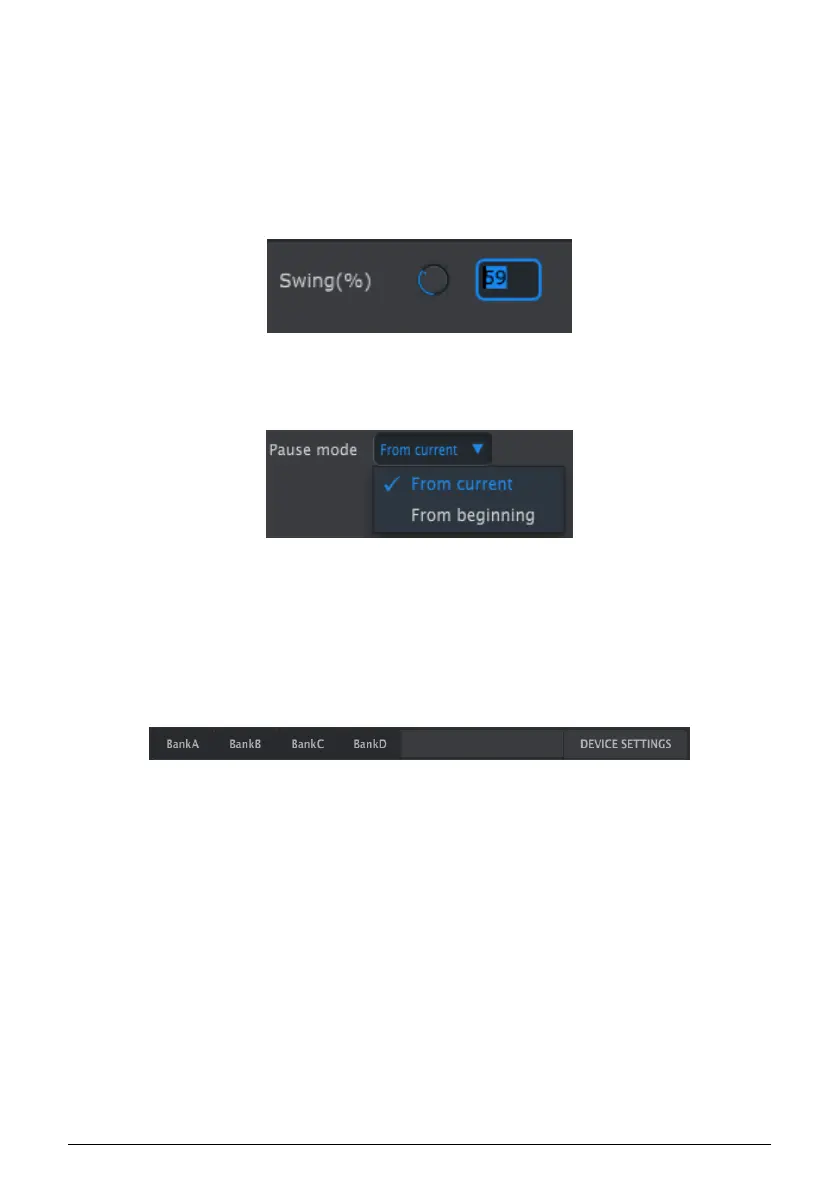
To edit Swing %, for example, click and drag the knob graphic or double-click in the value
field and enter a new value:
To edit a parameter such as Pause Mode, click its pull-down menu and make a selection:
9.7.2. Selecting the tabs
The middle window of the MIDI Control Center has five tabs: Banks A-D and Device Settings.
Each bank contains 16 patterns, and Device Settings has all of the parameters for the various
DrumBrute Impact functions.
Simply click on a tab to select its window.
Editing a knob value
Selecting a pull-down menu option
The DrumBrute Impact tabs: Banks A-D and Device Settings
81 Arturia - User Manual DrumBrute Impact - MIDI Control Center















 To Next Page