9.8.5. Track-level settings
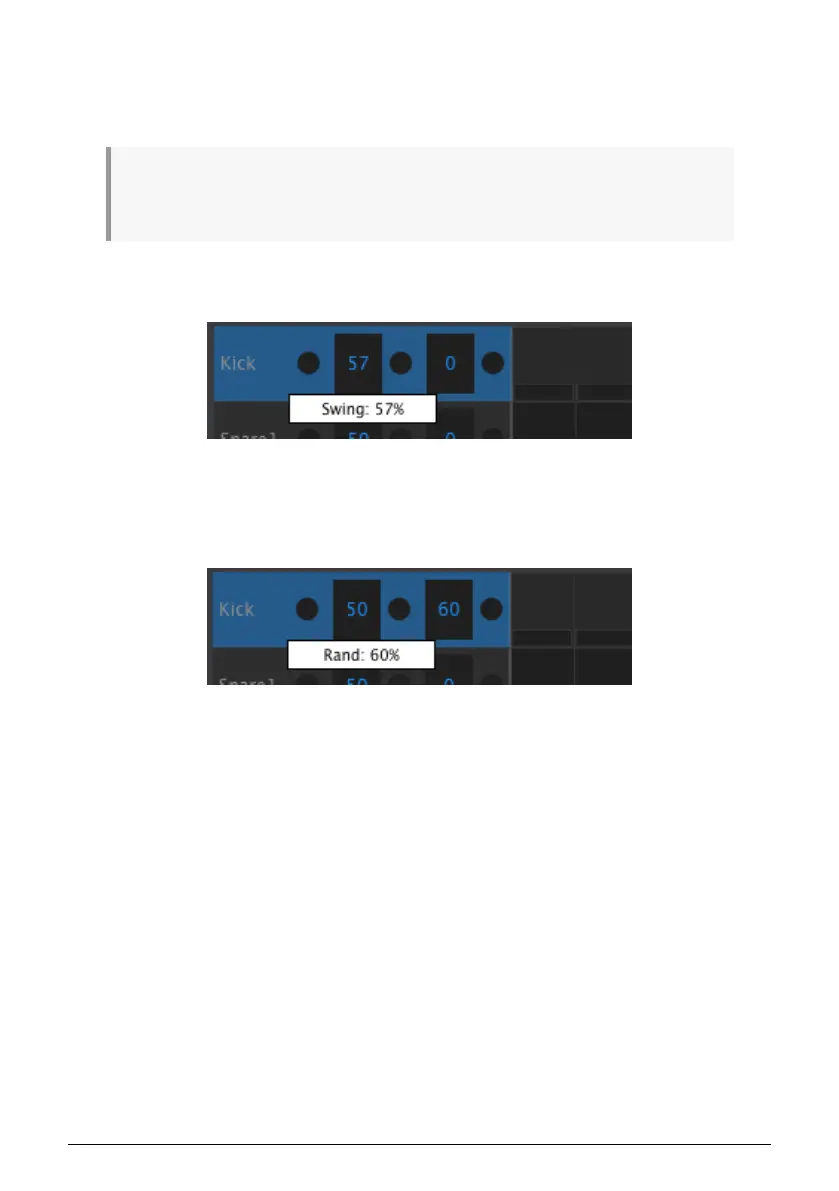
Each instrument track in the MIDI Control Center has independent settings for Swing and
Random. They are the Current Track values described on this page [p.43].
♪: Edits to track-level settings are not transmitted from the MCC to the DrumBrute Impact. In order
for these changes to reside in the physical unit you can use the Store To function or drag the current
Template to the Working Memory area of the MCC.
9.8.5.1. Swing value
Click and drag inside the left track window to edit the Swing value.
9.8.5.2. Random value
Click and drag the right window value to edit the Random setting.
Arturia - User Manual DrumBrute Impact - MIDI Control Center 90















 To Next Page