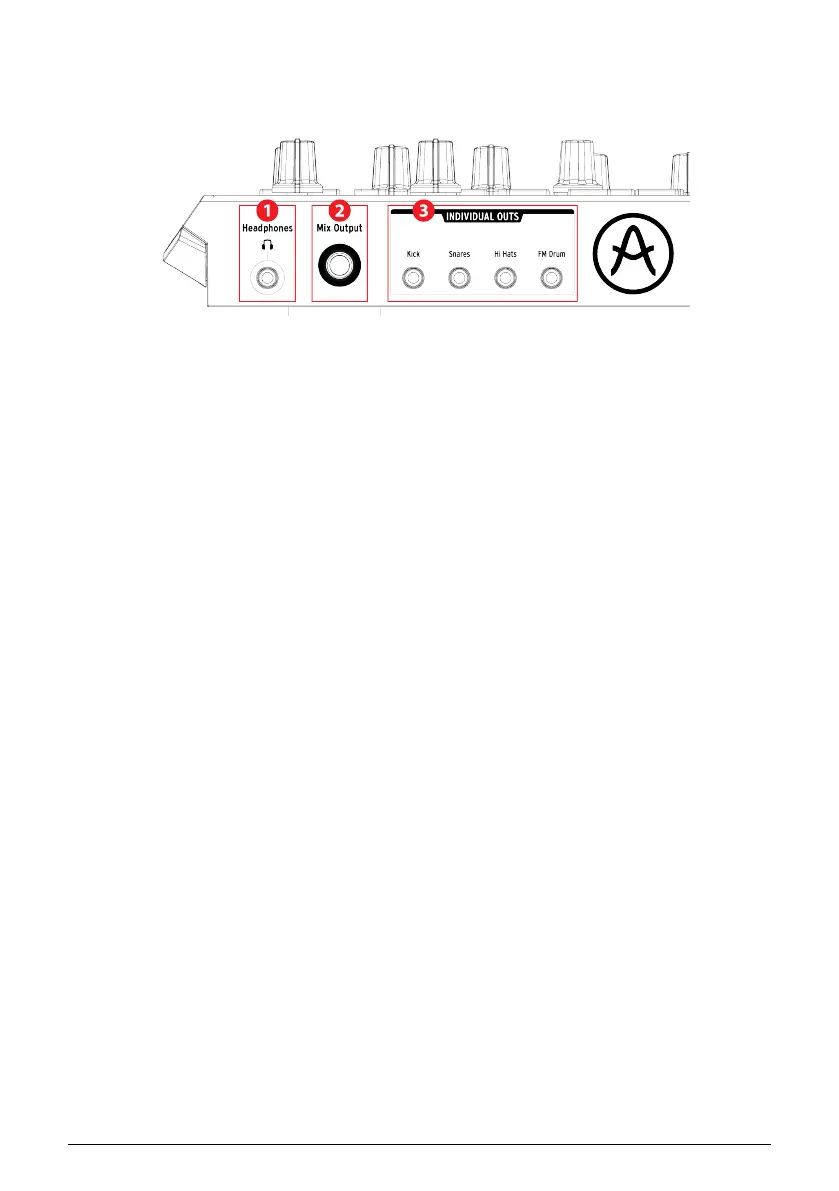
1.6. Rear panel, part 2
1. Headphones
2. Mix Output
3. Individual Outs
1.6.1. Headphones
The Headphones output carries the same signal as the Mix Output and operates the same
way, with one exception: When the headphone jack is connected, the metronome will be
removed from the Mix Output but will remain in the headphones until the Metronome On
button is toggled off.
The behavior of all other connection options is the same for the headphones and the Mix
Output: When a cable is plugged into one of the individual outs, that instrument channel’s
signal will be removed from both the headphones and the Mix Output.
1.6.2. Mix Output
This output jack carries the output signal for every instrument channel. When a cable is
connected to one of the individual outputs, that instrument channel will be removed from
the Mix Output.
The Mix Output level is controlled by the Level knob in the Output Circuit section.
Arturia - User Manual DrumBrute Impact - Overview 18















 To Next Page