1. OVERVIEW
1.1. Making the connections
The DrumBrute Impact provides many ways to connect with other types of equipment, from
vintage to modern. Below are examples of potential setups:
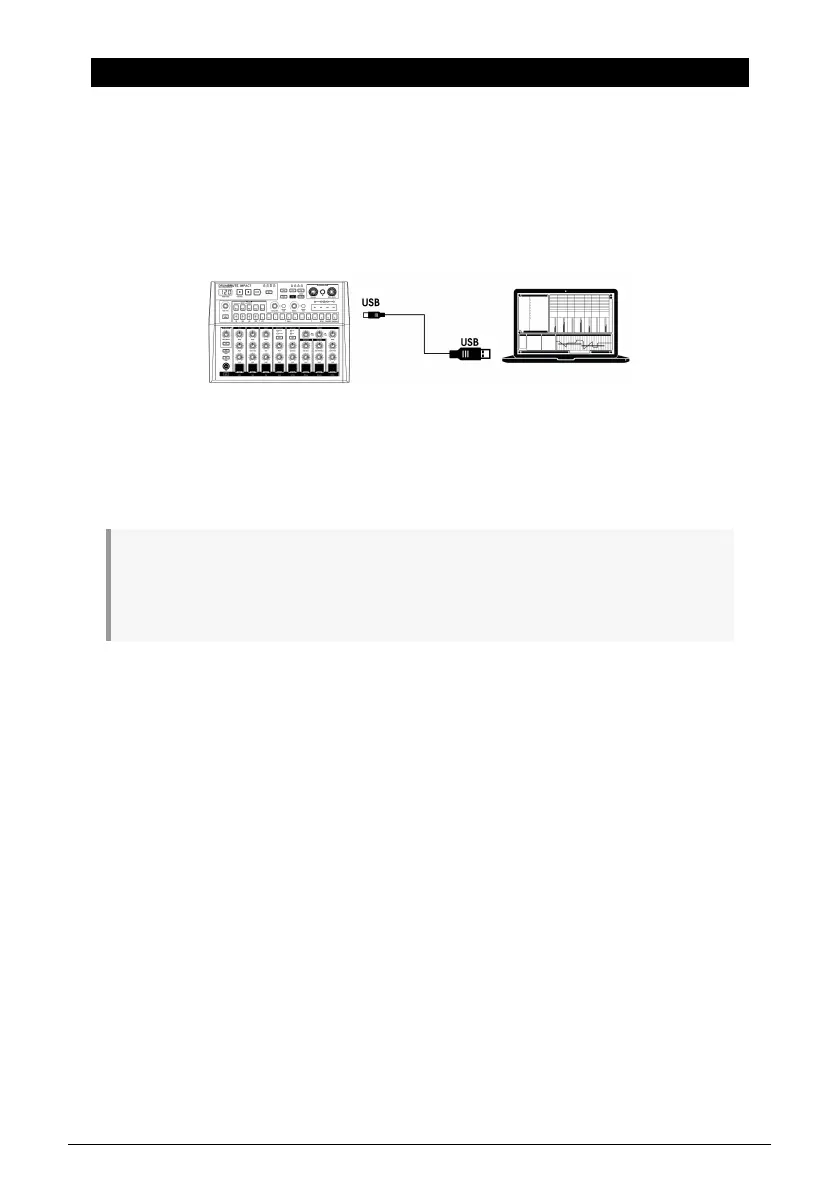
1.1.1. …with a computer
The DrumBrute Impact is more than a classic drum machine: it’s also a USB class-compliant
device. So at its most basic level it can be connected to any computer with a USB port, and
its pads can used as input devices for various applications. The free, downloadable MIDI
Control Center [p.70] software allows you to specify which MIDI notes and commands will
be transmitted by the pads and transport buttons, respectively.
♪: The DrumBrute Impact does not draw its power from the USB port on your computer. To supply
power to the unit, simply connect the included DC power adapter to the DrumBrute Impact and to
an external power source, then set the power switch on the back of the DrumBrute Impact to the On
position.
Arturia - User Manual DrumBrute Impact - Overview 4















 To Next Page