Aruba 7030 Mobility Controller | Installation Guide 7030 Mobility Controller | 11
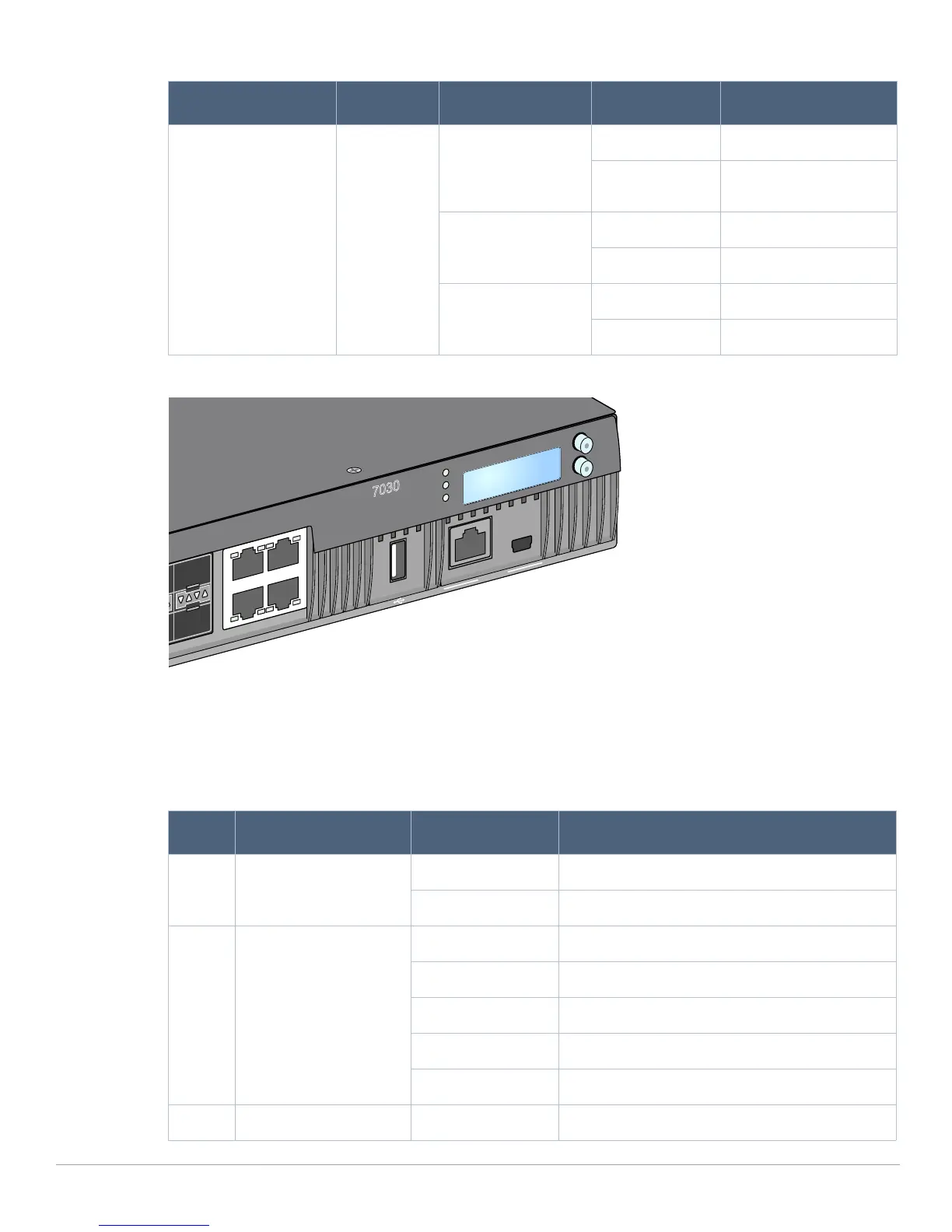
Figure 4 Ports, LEDs, and LCD Panel
Power, Status, and Peered LEDs
The front panel also includes power, status, and peered LEDs that provide basic monitoring of the overall
status of the Aruba 7030 controller. See Figure 4 on page 9.
Status Port status Administrative Green (Solid) Port Enabled
Off Port Administratively
Disabled
Duplex Green (Solid) Full-duplex
Off N/A
Speed Green (Solid) 1 Gbps
Off N/A
Table 6 Power, Status, and Peered LEDs
LED Function Indicator Status
Power System Power Green (Solid) Power On
Off Power Off
Status System status Green (Solid) Operational
Green (Blinking) Device is loading software
Amber (Blinking) Major Alarm
Amber (Solid) Critical Alarm
Off No power
Peered Reserved for future use N/A N/A
Table 5 1000Base-X Port LEDs
LED Function LCD Mode Indicator Status
7030
POWER
MENU
ENTER
STATUS
PEERED
7
5
7
6
4
6
STATACT
LINK/
STAT
CONSOLE



 To Next Page