8
7.1 Bluetooth Receiver Mode
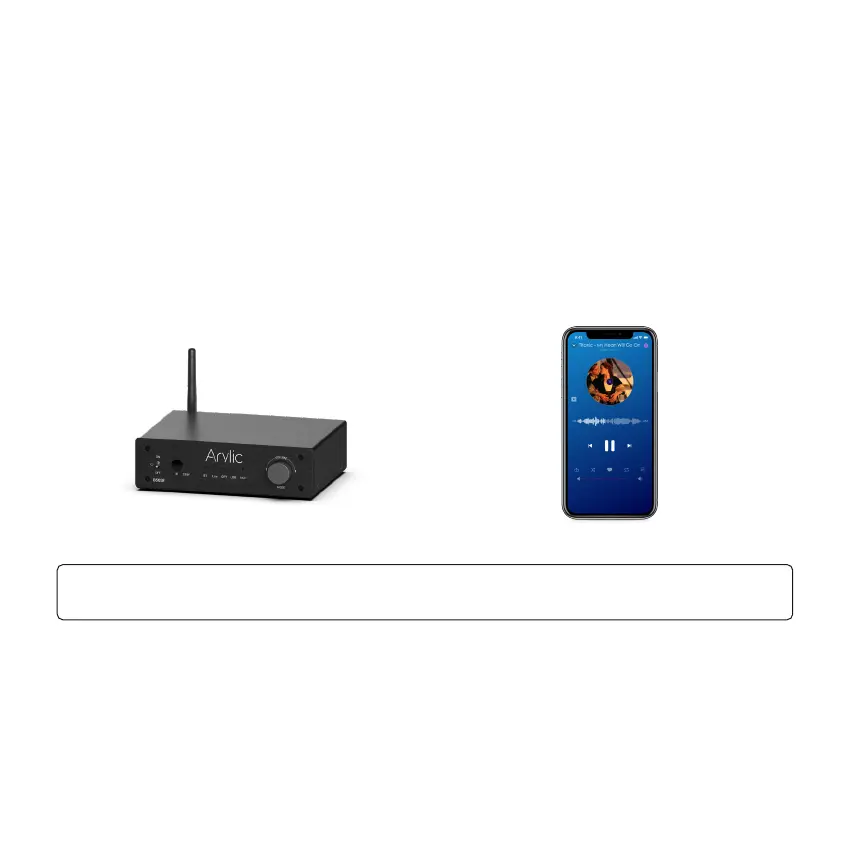
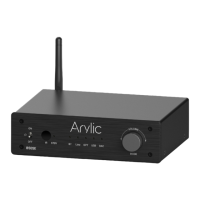
When in Bluetooth receiver mode, the BT LED will be flashing which indicates it is waiting for
connection. In your BT transmitter device (Mobile Phone, Pad, TV) you can search for a Bluetooth
device name “B50SE XXXX” (XXXX is the serial number) and connect to it.
Once connected, the BT LED will stay on which indicates the connection is successful and you can
start playing music from the connected device and hear the sound coming out of the connected passive
speakers.
The device will remember connected devices, it will auto connect to paired device.
7. Usage
To disconnect the Bluetooth connection, quickly press the Reset button twice to disconnect all the
connection.


 To Next Page